USPS Package Tracking Guide A Clear Way To Follow Shipments

usps package tracking guide

Start with the tracking number. No tracking number, no tracking, and no reassurance. If you ship anything through USPS or expect a delivery, the tracking number is the small string that makes the whole process visible. Treat it like a ticket number at the doctor’s office; keep it handy, and don’t trust screenshots that you can’t find again.

## USPS Package Tracking Guide: Tools And Tips
If you want clear, practical steps, this USPS package tracking guide does that without fluff. I’m going to show where to find tracking numbers, how to read what the updates actually mean, and what to do when the scan trail stops making sense. These are the things that save time: where to click, what words to look for, and when you should call someone.

### Where To Find Your Tracking Number
The tracking number is printed or emailed in a few predictable places:
– The printed receipt you get at the post office or when a carrier accepts a pickup.
– The seller’s shipping confirmation email or order page when you buy something online.
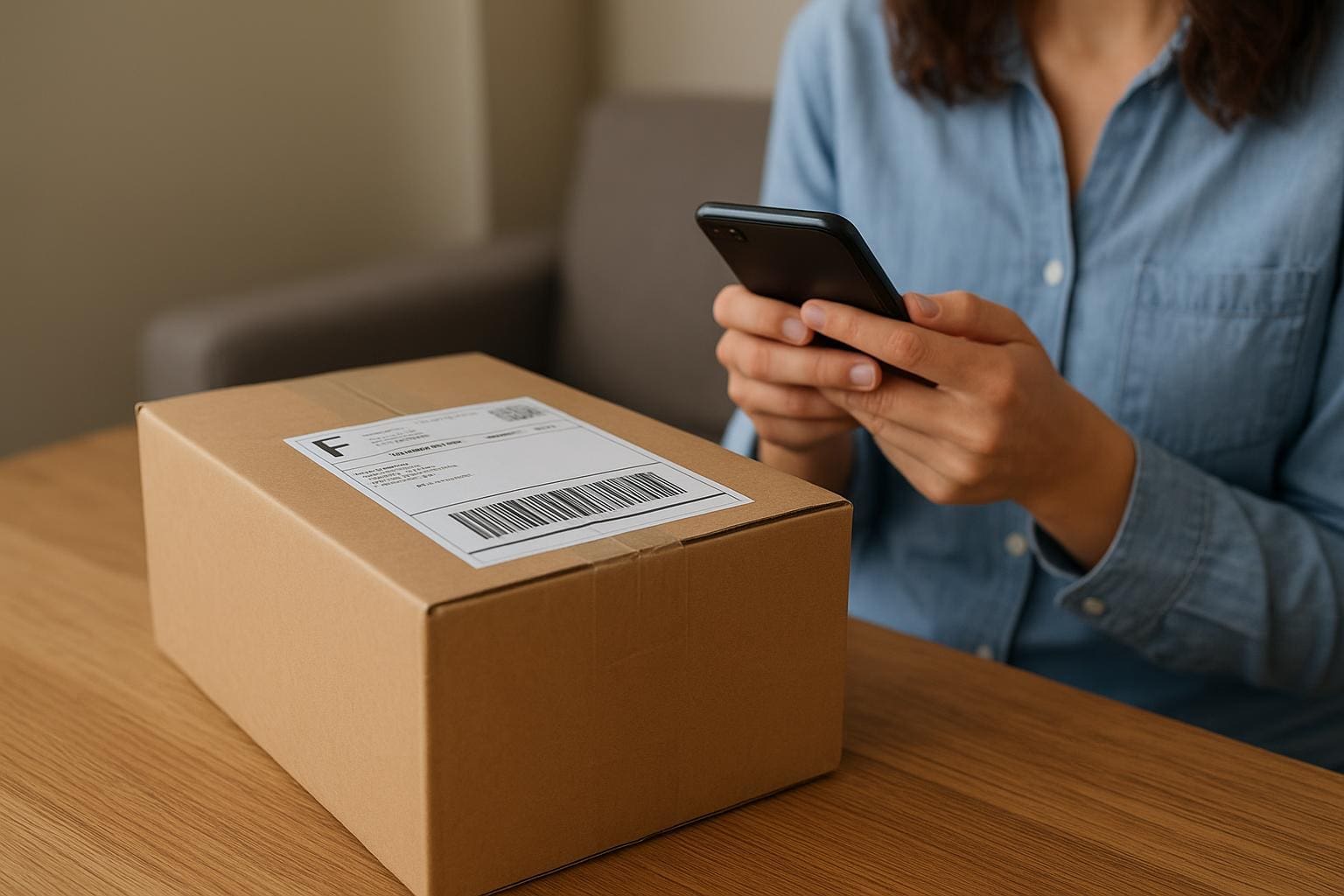
– The barcode label stuck to the package itself. If you’re shipping, take a photo before the box leaves your hands.

Tracking numbers come in several formats: 20–22 digits for Priority Mail, 12 digits for some services, and alphanumeric for others. If you don’t see it, check the order confirmation. If that’s missing, ask the sender for the number before the package ships. It cuts out a lot of guesswork.

### How To Use The USPS Website
Enter the number at tools.usps.com or on the main tracking page. Paste, don’t type. A stray character will send you in circles. The site shows a timeline of scans with locations and timestamps. If you have several numbers, use the bulk tracking feature to see them side by side.

The USPS site also offers delivery notifications and email alerts. Sign up if you’re waiting on something important. For sellers, the website gives you shipping history and proof of delivery you can download. That’s useful when you need to show a customer the exact time and place a package was delivered.

### Using The USPS Mobile App And Third-Party Services
The USPS mobile app does most of what the website does, but it’s quicker for push notifications. If you’re tracking many shipments, third-party apps can consolidate numbers from multiple carriers into one feed. That’s handy if you buy from several marketplaces and don’t want to hop between sites.

But be cautious: third-party services sometimes misread a status or misattribute a scan. When in doubt, cross-check with usps tracking on the official site. The official record is what matters for claims or disputes.

## Reading A Tracking Update
A lot of surprises come from misreading the timeline. People see “Arrived at Unit” and assume the package is out for delivery. Not always. Learn the terms and what they imply for timing.

### Common Statuses And What They Mean
Accepted At USPS Facility: The package was received and entered the system. It may still be days away from the destination.
Arrived At Unit: It’s at the local post office that will do the final delivery. This can mean a same-day delivery or it could sit overnight depending on routing and staffing.
Out For Delivery: The driver should have the package and intends to deliver today. If you see this late in the afternoon, it can still arrive by evening.
Delivered: The system shows where and when the carrier marked the package delivered. If it says delivered and you don’t have it, check porches, side gates, neighbors, or secure drop spots.
Unavailable, or No Scan Available: Sometimes a package moves without scans. This stretches patience, but the scans usually catch up within a day or two.

A lot of people see “In Transit To Next Facility” and panic. Don’t. It’s usually routine movement. The scans are less interesting than the pattern. If a package has been “In Transit” for an unusually long stretch, start asking questions.

#### Exception And Delayed Packages
Exceptions are the only status you should treat as an active problem. Examples: Address Not Found, Damaged In Transit, or Weather Delay. Each exception should come with a note. If it doesn’t, call your local post office and ask for the most recent scan. If the note says “Refused” and you didn’t refuse, that’s a red flag to pursue further.

If the scan trail shows nothing new for several days and the sender says it was properly mailed, file a missing mail request or open a claim when appropriate. The USPS has a Missing Mail Search feature that can be started online; it helps staff look for the item before you escalate to a claim.

## Fixing Problems: Lost Or Late Packages
You don’t need to wait around helplessly. There are concrete steps and the right sequence matters.

### First Steps When The Status Stops Making Sense
1. Double-check the tracking number. Typos are surprisingly common.
2. Confirm the delivery address with the sender. Wrong house, wrong city—these happen.
3. Ask neighbors and look around likely hiding spots. Many carriers leave packages in a spot they think is safe.
4. Call the local post office shown in the latest scan. They can open a local trace or check shipments in the back room.
5. If the item was insured or shipped as Priority Mail Express, file a claim. For uninsured domestic Priority Mail, you may need to coordinate the claim through the sender.

If the shipment was from a retailer, open a case with them. Retailers usually have a process that can be faster than filing a claim through USPS yourself. Keep screenshots of the tracking page and any relevant emails.

### Filing A Missing Mail Search Or Claim
Use the official forms on the USPS website. A Missing Mail Search is a request to physically look for the item. A claim is for reimbursement on insured packages. When you file anything, include:
– The tracking number
– The mailing date and method
– A description of contents and approximate value
– Proof of insurance or purchase if applicable

Expect back-and-forth. The process can be slow, but organized documentation speeds it up. If you file a claim, keep receipts and photos of the damaged item if that’s the issue.

## Tips To Make Tracking Reliable
Small changes in how you ship or receive make a big difference in how useful tracking is.

### Simple Shipping Habits That Help
– Always write the full address and include an apartment or unit number. No abbreviations alone.
– Use a clear return address. If delivery fails, that’s how it comes back.
– Take a photo of the label after you seal the box. If it peels off, you still have proof.
– Choose services with scans at delivery if you need confirmation, like signature-required options for high-value items.

Keep your tracking numbers in one place. I use a single note on my phone for active shipments. When tracking shows “Out For Delivery,” I don’t assume it will appear before dinner. I check windows cameras or move closer to the door if necessary.

### Privacy And Security Considerations
Tracking links in emails can be useful, but treat them cautiously. Scammers send fake tracking emails that mimic USPS branding and ask you to click dubious links. If an email asks for personal information or payment to release a package, it’s a scam.

Instead, copy the tracking number from the email and paste it into the official usps tracking page. That way you avoid malicious links. Also, don’t post tracking numbers publicly. They reveal delivery details and sometimes full names and addresses.

## What To Expect With International Shipments
International tracking is patchier. USPS hands the package off to the destination country’s postal service. The last complete scan might be the one leaving the U.S. or the one arriving in the other country. After that, the visibility depends on the partner postal system.

If you’re sending internationally, allow extra time and set expectations with the recipient. Use shipping methods with clearer international tracking, or pay for services that include end-to-end scans.

### When The Delivery Address Is Wrong Or Needs Updating
If you notice an address error right after shipping, contact the post office immediately. Depending on the timing, they may be able to intercept or redirect the package. There’s a fee for some services like USPS Package Intercept, and it only works under certain conditions, but it can save a lost shipment if you act quickly.

Acting fast is the recurring theme here. Once a package leaves the original facility, options narrow. If you’re a seller, you can often intercept or reroute before final scans. If you’re a buyer, push the sender to act on your behalf if you can’t.

## How Retailers And Sellers Should Use Tracking
Sellers need to use tracking as part of customer service, not just logistics. Send the number immediately after the item ships and keep updates coming if there’s a delay. If you get a tracking notice that’s confusing, contact USPS yourself and relay clear, sourced information to the buyer.

Above all, be proactive. Customers appreciate a quick note that an item is delayed and why, along with what you’re doing about it. That’s better than silence and a frustrated buyer opening a dispute.

Keep in mind that tracking isn’t just a number on a page. It’s the story of a package moving through a system. Read the story, check the timestamps, and use the right tool for the right moment. This usps package tracking guide is designed to make that story easier to follow and to point you toward sensible next steps when the trail goes cold.

The most common mistake is waiting too long to act. If you want to avoid that, store your numbers, monitor the scans, and don’t be shy about calling the post office when something looks off. You’ll save time and, often, money in the long run.

If you prefer the app route, install the official USPS app and enable push notifications. That puts delivery status on your lock screen rather than buried in email. And remember: when a seller or carrier says “delivered” but you don’t have the package, contact the seller and initiate a search immediately. A few minutes can make the difference between an easy retrieval and a long claim process.

This usps package tracking guide doesn’t promise perfect visibility. But it does give a clear, practical way to follow shipments end to end and to respond effectively when they don’t behave as expected. Treat tracking numbers like small tasks to manage, not mysteries to tolerate, and you’ll have fewer headaches.

If you ever recieve a scan that makes no sense, keep notes of who you talked to and when. Those small details matter when you escalate the issue. They make the difference between a missing package that’s found and one that becomes a permanent problem.

SMS Delivery Alerts Elevating Package Delivery Tracking

sms delivery alerts

Sms delivery alerts are quietly reshaping what customers expect from shipping. They don’t need flashy apps or extra downloads. A short, timely text can stop confusion, cut no-shows, and make a carrier look competent. That plain fact matters more than marketing fluff.

## How SMS Delivery Alerts Improve Visibility

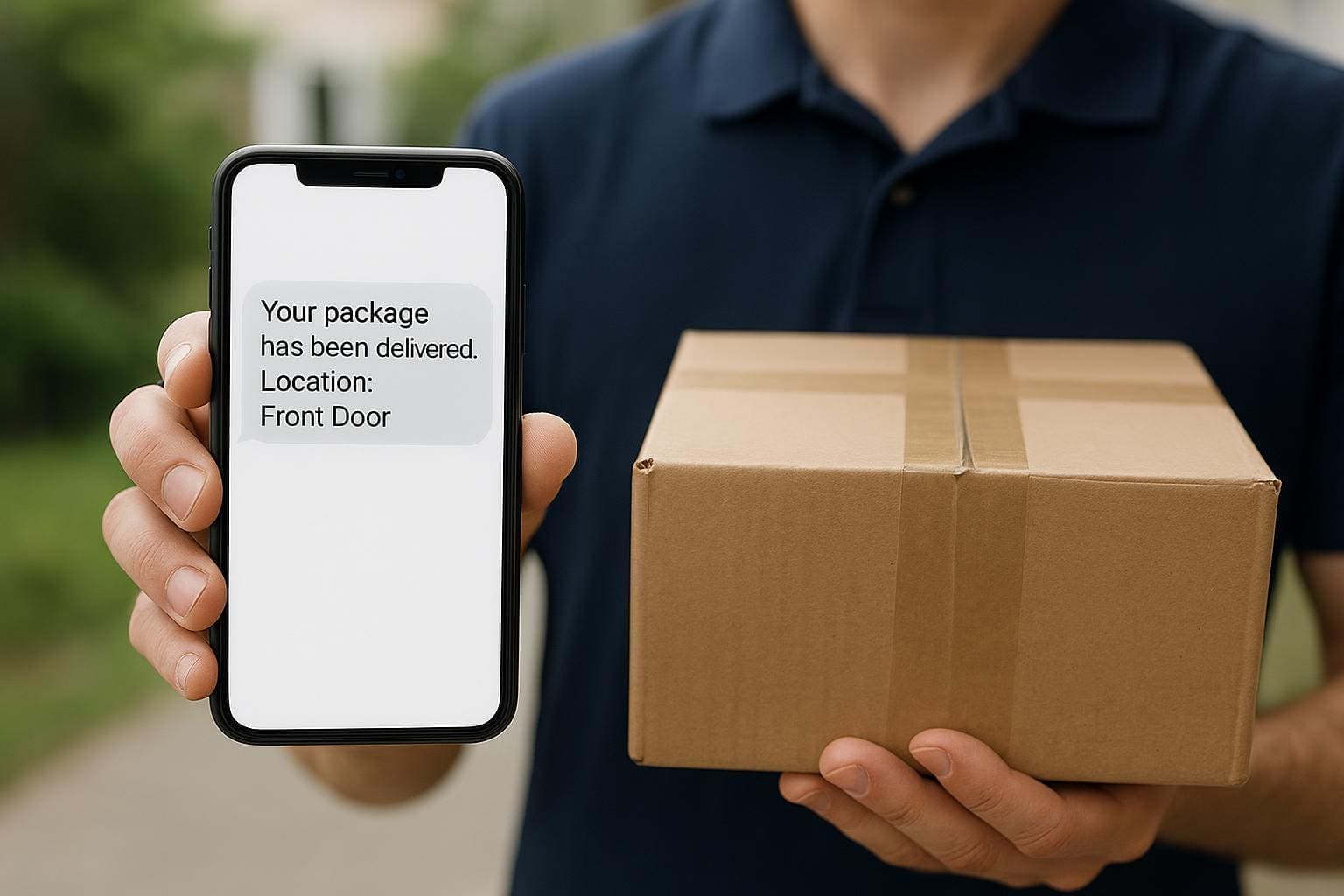
Carriers used to rely on tracking numbers and web portals. Those work when you have time and patience. Most people don’t. They want a quick yes/no and a window they can plan around. That’s where SMS delivery alerts shine: they land in the one place people check dozens of times a day. A simple message — “Your package is out for delivery, ETA 2–4 PM” — removes uncertainty in a way an email rarely does.

SMS messages also reach people offline. If a delivery van is delayed by traffic, a text can tell the recipient to wait or to instruct the driver where to leave the box. Those micro-adjustments prevent missed deliveries and fewer dropped-off packages at the curb. When a business measures customer satisfaction, those moments add up.

### Why Real-Time Updates Matter

Timing is the most predictable variable in package disappointment. Real-time status changes reduce wasted time for both drivers and customers. When a driver updates a scan, that can trigger a delivery alerts message that tells the recipient the parcel’s exact status. People can make decisions — leave for work later, step outside to meet the driver, or ask a neighbor to recieve the package. That’s practical.

Text notifications are effective because they’re immediate and readable. The open rate for SMS far surpasses email. That doesn’t mean you should spam people. The message should be short, precise, and actionable: where the package is, if a signature is required, and what options the customer has if they’re not home. A one-line instruction beats a page-long tracking detail.

#### Tracking With Precision

Good systems map the delivery route to a live ETA. Combining GPS, route progress, and last-mile scans lets systems offer delivery windows that are narrower than the old “today between 8 AM and 8 PM.” That precision makes sms delivery alerts more useful — people can plan around a two-hour window instead of an entire day.

Some carriers provide a link in the text that shows the driver’s live progress. Others keep it simple: a time and the status. Both approaches work, but the latter reduces friction for recipients who don’t want to click through. Either way, the update needs to be accurate. An incorrect ETA teaches consumers to ignore future delivery alerts. Trust is built on follow-through.

### Reducing Missed Deliveries And Friction

Missed deliveries are expensive. Carriers pay for reattempts, storage, and the customer service work that follows. For customers, there’s the inconvenience and the stress of wondering whether a high-value item is safe. Delivery alerts reduce those costs by letting people make quick adjustments.

Text notifications also change driver behavior. If a driver knows their scan will notify the recipient, they’re more likely to attempt a doorstep delivery before defaulting to a pickup location. For businesses selling high-ticket or time-sensitive goods, that small behavior change can lower return rates and improve net promoter scores.

#### Handling Exceptions Efficiently

Not every delivery goes smoothly. Weather, address issues, and access problems happen. Good sms delivery alerts include clear instructions for exceptions: reschedule options, redelivery fees (if any), or nearby pickup points. The message should also make it easy to reply or tap a quick action to fix the problem.

A helpful exception workflow avoids long phone trees. Imagine receiving a text at 9 AM saying: “Driver needs gate code. Reply ‘GATE ****’ to grant access or reschedule.” That’s less friction than calling support and wastes less time for everyone.

## Operational Steps For Reliable Delivery Messaging

Rolling out a dependable system for texts is more about process than technology. Here’s what operational teams actually need to do.

Start with data hygiene. Messages are pointless if the phone number is wrong. Validate contact details early — at purchase, in account settings, or via an opt-in confirmation. That simple step reduces bounce rates and customer annoyance.

Next, define triggers. What sends a message? Shipment creation, out-for-delivery, failed attempt, delivered, or return initiated. Prioritize the signals that reduce the most uncertainty for your customers. Out-for-delivery and delivered messages are usually non-negotiable.

Integrate driver tools. Drivers should have an easy way to update status that feeds the text system in real time. If the driver’s scan app is clunky, updates will be delayed and the value of sms delivery alerts evaporates.

Measure and iterate. Track delivery success rates, customer replies, and complaint volumes before and after you enable messages. Small changes in wording or timing often produce outsized improvements.

### Balancing Frequency And Value

Text notifications work because they’re useful, not repetitive. Too many messages lead to opt-outs. Think like a human: would you want another update ten minutes after you were told the package was delivered? Probably not. Limit messages to key touchpoints and give recipients control over the types they receive.

Offer preferences: only out-for-delivery plus delivered, or full-step updates for the power users. Let people pause messages for a period. Respecting those choices prevents churn.

#### Timing And Message Content Best Practices

Keep copy short. Include a one-line status, a time, and an action. Use plain language and avoid jargon. For example: “Your package ending in 1234 will arrive Today between 2:00–3:30 PM. Reply ‘HOLD’ to reschedule.” That’s concise and actionable.

Include safety cues. If a signature isn’t required, say so. If the package will be left at a doorstep, suggest secure options: “Leave with neighbor” or “Deliver to secure locker.” These small details reduce complaint calls and lost-item claims.

## Choosing The Right Provider For Messaging

Not all messaging platforms are equal. Some offer high deliverability and carrier-level troubleshooting. Others provide cheap bulk SMS with little support. Make choices based on the reliability your customers expect.

Look for providers that can handle two-way messaging. The ability for recipients to respond — even with short codes — lets you capture reschedule requests or gate codes without manual intervention. Two-way capabilities also let you detect failed deliveries earlier and act faster.

Text notifications should be tracked. Choose a system that logs delivery status, bounce codes, and recipient replies. That traceability helps with dispute resolution and operational improvements.

### API Features To Look For

Robust APIs matter when you want to connect sms delivery alerts to your order management system. Real-time webhooks, templating, and rate management are the basics. Also consider localization: can the provider send messages in the recipient’s language and local time zone? That’s easily overlooked but important for larger operations.

Failover options are valuable. If an SMS provider has outages, what’s the fallback? Some platforms can switch to a secondary carrier or fallback to email with a single API call. That redundancy prevents silence when the system is most needed.

#### Security And Compliance

Messaging touches personal data. Be clear about opt-in rules and local regulations. Maintain logs for consent and allow users to opt out with a single reply. Encrypt message content where appropriate and limit sensitive information in the text itself. For example, avoid full account numbers or detailed address lines in an SMS.

Keep in mind regional rules for SMS frequency and content. Where rules are strict, a light, permissioned approach is safer and more predictable.

## Practical Examples From Real Operations

A regional retailer reduced missed deliveries by 35% after adding an out-for-delivery text with a two-hour window and a one-tap reschedule link. Drivers reported fewer abandoned drops and reties dropped significantly. Customers were quieter — in the good way.

A subscription box service used delivery alerts to solve an identity problem. Boxes required a person to sign. By sending a message the morning of delivery that asked recipients to confirm a pickup location, the company cut its signature failure rate and saw fewer claims for missing packages.

Another carrier experimented with too many notifications and saw opt-outs spike. They trimmed messages to the essentials and introduced preference controls. Opt-out rates dropped, and customer satisfaction ticked upward.

Small changes matter. Even rewording a message to say “Arriving Today 1:00–2:00 PM” instead of “Arrival Window Today” improved click-throughs on action links. People respond to clarity.

### Common Pitfalls To Avoid

Don’t rely on a single channel. SMS is powerful, but it should be part of an omnichannel strategy that includes email and in-app updates for people who prefer those channels. Also, avoid sending messages that can’t be acted upon. If you tell someone the driver is five minutes away but the driver is stuck and can’t respond, you create frustration.

Avoid overly aggressive marketing in transactional messages. Transactional delivery alerts are some of the most trusted messages you’ll send. Don’t dilute that trust with promotions in the same thread.

A subtle human touch in messaging goes a long way. Little empathy phrases — “We’ll do our best” — matter. Make sure messages are useful first, friendly second.

There are lots of smart, inexpensive ways to integrate sms delivery alerts into an operation. The trick is to focus on reducing real points of friction and to measure the outcome. When done right, these texts do more than notify — they let a delivery experience feel competent and predictable.

How To Fix USPS Tracking Not Updating With Clear Steps

how to fix usps tracking not updating

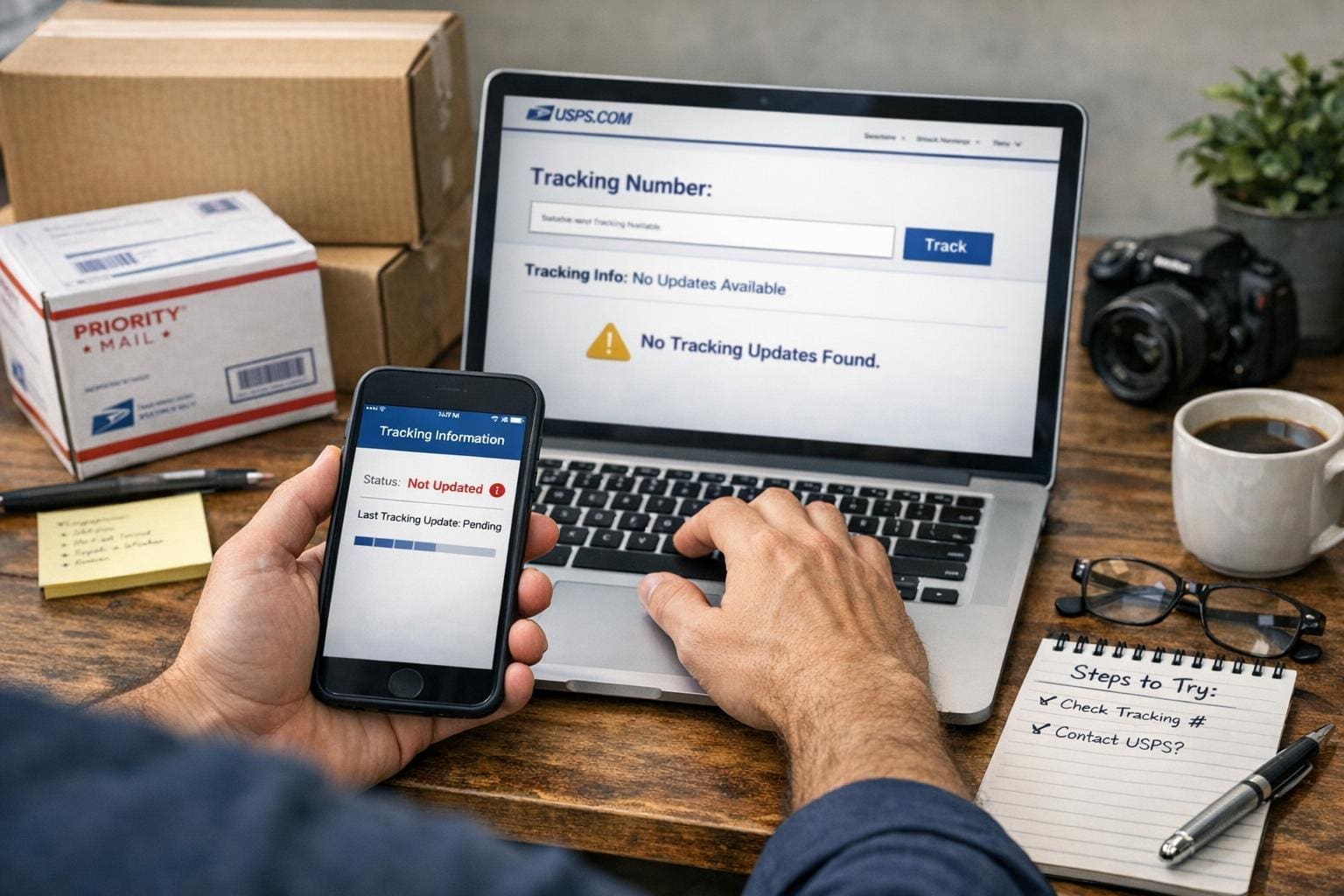
If a tracking page freezes and the delivery date slides further away, you can fix a lot of the problem yourself. Most of the time the issue isn’t a lost package; it’s a missing scan, a slow update, or a label that was created but never attached. Below are clear, practical steps to get information moving again — and what to do if those steps don’t help.

## How To Fix USPS Tracking Not Updating Quickly

Start here. If you search for how to fix usps tracking not updating, you’ll find a handful of common, repeatable actions that solve 80% of cases. Use them in order.

### Check The Tracking Number And Source

– Verify the number. Typing errors are surprisingly common. Copy the number from the seller’s email or the label and paste it into USPS tracking.
– Confirm you’re using the right carrier. Some sellers list multiple carriers; a “USPS” label might have actually been handed to UPS or a local courier.
– If the seller emailed a link, open that link rather than retyping the number.

### Wait A Short Window Before Worrying

The system often lags. If the label was created but the package hadn’t entered the mail stream, updates can take 8–24 hours. If the shipment is international, allow several days for the first inbound scan.

### Check For The “Label Created” Status

If the page reads “Label Created, USPS Awaiting Item,” the carrier hasn’t actually scanned the package yet. The fix here is simple: contact the seller and ask whether the item has physically been handed to the post office. Sellers can provide proof of drop-off or arrange a reshipment.

### Refresh With Another Device Or Network

Sometimes the tracker in your browser is caching an old page. Open the tracking number on your phone with mobile data, or use a different browser. This is basic, but it works more often than you’d expect.

### Use The Mobile App And Text Alerts

The USPS app sometimes pulls different data than the website. Turn on text or email notifications. If you’ve ever set up continuous alerts, they can show you when a new scan arrives before the site fully updates.

## Common Reasons Tracking Stops Updating

If the steps above don’t free things up, match your situation to one of these causes. Identifying the root makes the next step obvious.

### Label Created But Package Not Scanned

A seller prints a label and doesn’t actually drop the parcel off. That looks like delivery activity but won’t produce further scans. If you’re the buyer, ask the seller for a drop-off receipt or new tracking.

### Missed Scans At Sorting Facilities

Packages move physically but miss a scan due to operator overload or machine error. The item moves and then three scans later shows up at your local facility. That gap is frustrating but usually temporary.

### Human Error Or Incorrect Address

If the address is wrong, the package may be returned to sender or held for correction. Check the address on your order confirmation. If it’s wrong, contact the seller immediately.

### Delays Due To Weather Or Volume

Holidays and storms slow everything. Packages pile up and scanners aren’t the priority. The package still moves; updates come once staff catch up.

## How To Fix USPS Tracking Not Updating: Practical Steps For Each Cause

Below are targeted fixes for the specific scenarios above.

### If The Label Was Created But Not Dropped Off

1. Message the seller asking when the package was dropped off. Request a drop-off receipt or proof.
2. If the seller admits they haven’t shipped, ask for a full refund or immediate reshipment.
3. If the seller insists it was dropped, ask them to file a missing mail request with USPS; they can do that from their end.

### If Scans Were Missed In Transit

1. Give it 48 hours. Often the next facility will retroactively upload scans.
2. Check the estimated delivery date rather than the last scan time. If the date hasn’t passed, wait.
3. If the date passes and no update, file a missing mail search on the USPS site. Include photos and purchase records when applicable.

### If The Address Is Wrong

1. Contact the seller immediately. The faster you act, the more likely USPS can intercept or correct.
2. If the sender agrees, they can request an address correction through USPS. There’s a chance the package gets redirected without returning to sender.
3. Keep evidence of the correct address and the mistake. That helps claim disputes.

### If Weather Or Volume Is The Problem

1. Track the local facility’s status on social media or news. If your area had a storm, expect delays.
2. If the package is time-sensitive, call the seller to arrange a replacement or refund. Don’t wait for an indefinite scan update.

## Using USPS Tools And External Options

USPS provides tools designed for problems like this. Use them before escalating.

### File A Missing Mail Search

You can submit a Missing Mail Search online. Be specific: include expected delivery dates, item description, photos of packaging or receipts, and the tracking number. This alerts USPS to look through facilities in a more manual way.

### Request Delivery Instructions Or Intercept

If the package still shows activity and is eligible, you can request delivery instructions or file a Package Intercept. There’s a fee and strict eligibility rules, but it can reroute a parcel before it’s delivered to the wrong address.

### Use Third-Party Trackers

Services like 17track or AfterShip sometimes pick up different feed data. They’re not magic, but they might display a scan that USPS’s public page hasn’t shown yet.

## When To Contact USPS Directly

Contact USPS when 48–72 hours pass with no scans and the expected delivery date has passed. Or sooner if the item is high value.

### How To Contact For Best Results

– Call customer service and have your tracking number, order receipt, and sender/recipient details ready.
– If you prefer in-person, visit your local post office with the tracking number and a printed label or order confirmation. Ask the clerk to check the physical sort or to confirm whether the package is in the facility.
– Use the USPS online form to open a case. Use attachments. A photo of the label, the order, and any receipts helps.

### What To Expect From USPS

They will open an inquiry and often respond within a few business days. For some regional facilities, response times can stretch longer. If the item is insured and lost, follow their claim process; that requires proof of value and purchase.

## Seller And Buyer Responsibilities

These problems usually fall into two camps: seller-side or transit-side. Sellers are responsible for actually handing over the package and providing proof. Buyers should verify addresses and follow up quickly if scans stall.

### Sellers Should

– Confirm drop-off with a receipt.
– Reprint labels only when necessary.
– File missing mail requests if the package doesn’t show movement.

### Buyers Should

– Check the tracking link right away.
– Contact sellers immediately if status seems stuck.
– Keep records of communication and receipts for claims.

## Preventing Tracking Issues Going Forward

Fixing one frozen tracking number is satisfying, but prevention is better.

### Ask For Proof Of Drop-Off

If you’re buying something valuable, ask the seller to show a drop-off receipt or to use delivery confirmation. Sellers who ship frequently will have no problem with this.

### Use Carrier Pickup Or Hand-Delivery

When sellers schedule a USPS pickup or hand-deliver at a counter, there’s a scan at acceptance. That reduces “label created” problems.

### Choose Tracking With Insurance For High-Value Items

Insurance requires documentation if something is lost. It also forces a more thorough investigation when tracking gaps occur.

## Quick Troubleshooting Checklist

If you need a fast run-through, here’s what to do in order:

1. Verify tracking number and carrier.
2. Check for “Label Created” status.
3. Refresh on another device or app.
4. Wait up to 48 hours for missed scans.
5. Contact the seller to confirm drop-off or correct address.
6. File a Missing Mail Search with USPS if the date passes.
7. Call or visit your local post office if you need immediate help.

A single mis-scan can feel like a disaster, but most problems are solvable with a few calls and one or two forms. If you need help with the exact wording to send a seller or the USPS when filing a search, I can draft a message you can copy and paste. Just tell me what you’ve tried and what the current status says — I can work from there.