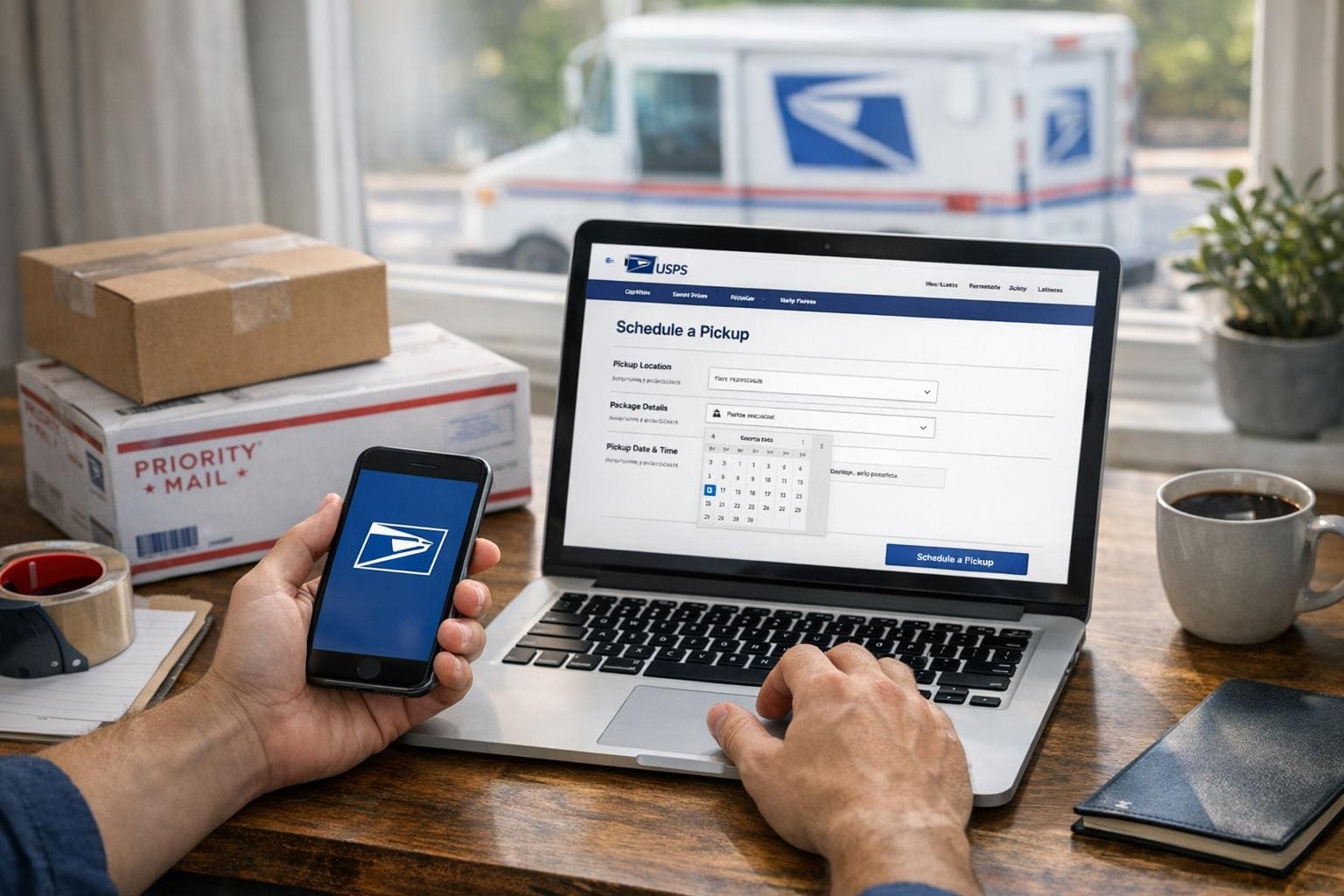
## How To Schedule USPS Package Pickup From Home: What You Need First
Scheduling pickups online saves time, but it won’t work if you skip the basics. Before you try to schedule usps package pickup from home, make sure you have the package ready, the correct postage applied, and an account set up on USPS.com if you plan to use the web form. Those three things are the common reasons a carrier will leave without taking your shipment.
A quick checklist to run through in your head:
– Package sealed and labelled.
– Postage purchased or a printed label attached.
– Clear pickup location (front porch, lobby, mailroom).
If any of those are missing, you’ll get a visit and no pickup. Simple, but easy to forget.
## Why Schedule Pickup Instead Of Dropping Off
Using a pickup avoids a trip and fits into tight schedules. It also helps when you have multiple packages or awkwardly sized boxes. For small businesses, routine pickups reduce the overhead of shipping. For individuals, it’s convenience: you don’t have to wrestle a parcel into a car.
A few real-world advantages:
### Time Savings For Real Tasks
Some people think pickups are only for busy professionals. I once had a neighbor who ran a weekend Etsy shop. Having a scheduled usps pickup saved her an extra hour every Saturday morning. That hour went to making more products instead of standing in line.
### Better For Bulky Or Heavy Items
If you’re handling heavier items, a pickup avoids the risk of dropping something while loading it into a vehicle. USPS carriers are used to handling packages and have carts and tools at their disposal.
## Create Or Sign In To Your USPS Account
You’ll need an account to schedule online. Go to USPS.com and sign up or sign in. Account creation asks for your name, email, and address. Verify the email and you’re set.
#### Why The Account Matters
Without an account, your pickup options are limited. The system keeps track of your address, preferred pickup spots, and any scheduled pickups so you don’t have to re-enter information every time.
#### Security Tip
Use a strong password and enable two-factor authentication if available. You’re basically storing delivery preferences and addresses here; treat them like any other secure account.
## Step-By-Step: How To Schedule USPS Package Pickup From Home
Below are the practical steps I use every time I schedule a usps package pickup. This is the method that actually works, not the cluttered version with extra clicks.
1. Sign in at USPS.com.
2. Go to the “Schedule a Pickup” page under Quick Tools.
3. Enter your pickup address and package details.
4. Choose whether the carrier should collect from your door or the front of the building.
5. Confirm and print any required label or Pickup ID page if requested.
### Entering Package Details Correctly
Describe the number of packages and the size class honestly. If you expect multiple boxes, put that in. Some carriers won’t take additional boxes if the number differs from what you scheduled.
### Free Versus Paid Options
Most domestic pickups from your carrier during a normal delivery day are free when you already have postage paid. If you need a special appointment outside of normal delivery, there may be a fee. We’ll cover the fee scenarios next.
## When Pickup Is Free And When It Costs
The free option is surprisingly flexible. If you purchase postage online and schedule a pickup for the same day or the next regular delivery day, USPS normally doesn’t charge. But there are exceptions.
#### Common Fee Triggers
– Choosing a specific time window outside normal delivery hours.
– Requesting a pickup from a commercial address where additional service charges apply.
– Scheduling more than a certain number of packages for non-business accounts.
If you’re unsure, the site will show any fees before you confirm. That prevents billing surprises.
## Placement And Labeling: Small Details That Matter
Putting the box in the right place and labeling it clearly reduces the chance of missed pickups. Carriers have little time to hunt for parcels.
### Where To Put Packages
If you live in a single-family home, leave the package at your front door or on the porch where mail usually goes. For apartments, leave it at the lobby or the designated location you noted in the pickup instructions. If you have a gate, include access instructions.
### Label Tips
Attach the printed label flat on the largest surface. If you’re not printing a label, write the recipient and return address legibly. Use a plastic sleeve or tape the label so it doesn’t get wet. I once had a package soaked in rain and the label ran; the carrier left because they couldn’t confirm postage. Avoid that.
## How To Handle Missed Pickups
If the carrier didn’t pick up your package, don’t panic. Start by checking the pickup confirmation email or account page. It usually says whether the request was fulfilled or canceled.
#### Common Reasons For Misses
– Postage missing or not printed.
– Package not at the exact location you specified.
– Carrier had an unexpected issue like route changes or a heavy load.
If the pickup is marked incomplete, reschedule quickly. If the pickup shows as complete but the carrier didn’t take your box, contact USPS customer service and have the Pickup Reference Number ready.
## USPS Pickup For Businesses Versus Individuals
If you ship often, consider setting a recurring pickup. Businesses can schedule daily pickups if they meet minimum volume or have a carrier stop assigned. Individuals might not qualify for daily service, but you can still schedule occasional pickups as needed.
### Setting Up Recurring Service
Call your local post office to request recurring pickups for business use. They’ll set up a routine pickup time according to the carrier’s route.
#### Cost Consideration For Regular Service
Some recurring pickups for businesses are free if minimum package volume is met. If not, expect a small monthly fee. Ask the local postmaster for details.
## Tracking And Proof Of Pickup
Once the pickup is scheduled, you’ll get a confirmation email. Keep that email until the package is scanned. If you paid for postage online, you usually get a tracking number that shows scans after the carrier picks it up.
### What To Do If No Scan Appears
If tracking doesn’t show a pickup scan within 24 hours of the scheduled time, call or use the website to open an inquiry. Be ready with addresses, tracking numbers, and the pickup confirmation number.
## Alternatives If Pickup Doesn’t Work
Sometimes pickup isn’t an option. Maybe your building has no common area access or you missed the carrier. In that case, use one of these alternatives:
– Drop at a USPS Collection Box if the package fits.
– Use self-service kiosks at larger Post Offices.
– Schedule a drop-off at an Authorized Shipping Center.
Each option has trade-offs. Collection boxes are quick but size-limited. Kiosks are good for printed labels; they accept package drop-offs and will give a receipt.
## Common Mistakes To Avoid
People make the same small mistakes over and over. They think a carrier will take any box left outside, with or without postage. They assume scheduling is automatic once they print a label. Both are false.
### Don’t Forget To Print Or Pay
If you schedule a pickup expecting the carrier to accept payment or to apply postage, you’ll be disappointed. Prepay online and attach the label, or buy postage at your front counter. The carrier typically won’t accept cash for postage at pickup.
### Don’t Overlook Access Instructions
If your building has a code or specific entry point, put it in the pickup instructions. Carriers won’t guess where to find your package.
## Quick Troubleshooting Steps
If something goes wrong, here’s what I do:
1. Check the confirmation email or Pickup Reference Number.
2. Verify the package was at the designated location.
3. Confirm postage or label was attached.
4. If all else fails, call your local Post Office and provide the ref number.
These steps clear up most issues in one call.
#### When To Escalate
If customer service can’t resolve it, file an online help request. Keep photos of the package and label. Those images often speed up investigations.
## Extra Tips For Busy Shippers
Batch your shipments and schedule pickups on days you typically ship. Keep a small supply of printed labels and packaging supplies handy. I keep a box labeled “Ship” by my door; when it’s full, I schedule a pickup and move on with other tasks.
Also, keep a calendar reminder for any recurring pickups so you’re not surprised by missed days. It’s an easy habit that removes friction.
If you follow these steps, scheduling how to schedule usps package pickup from home becomes routine rather than a chore. Do it right once and future pickups are frictionless. This process works whether you ship one parcel a month or dozens a week.
Finally, remember to check local Post Office policies; rules can vary. And yes, sometimes you’ll need to call in person — especially for large or unusual items. Mistakes happen. Just be ready to explain the situation and provide the pickup ID. And don’t forget to double-check the label so you don’t have to reschedule because of a simple typo or a reciept left unread by the carrier.