If mail comes back undelivered, the return address is the one thing you want to get right. It’s not just a nicety — it’s the fallback plan when an address is wrong, incomplete, or the recipient moved. Get the basics consistent and your outgoing mail behaves a lot better.
## USPS Return Address Guidelines: Placement And Visibility
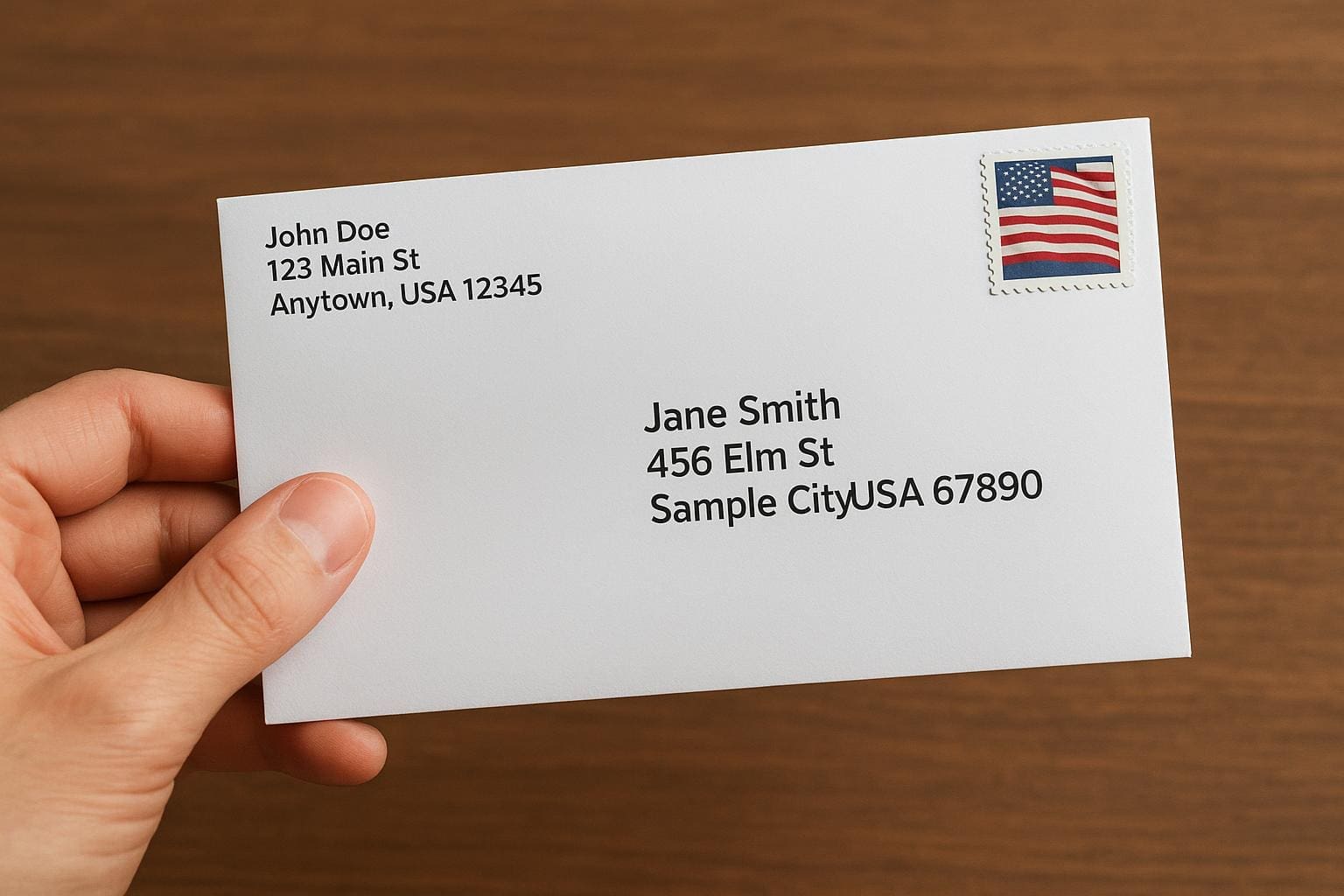
The USPS return address guidelines are straightforward about where a return address should go and how it should look. For envelopes, upper-left corner on the front side is the standard. For packages, put it on the same side as the delivery address or the upper-left on the top surface. For postcards, the return address belongs on the left side of the address block or the back when space allows.
Visibility matters. Use dark ink on a light background and avoid putting the return address over seams, ridges, or patterned tape. If the mail piece will go through automated sorting, keep the address area clear of decorative elements. The post office won’t refuse irregular mail for flair, but fancy fonts, metallic inks, or translucent labels can slow processing or cause read errors.
### Formatting The Return Address
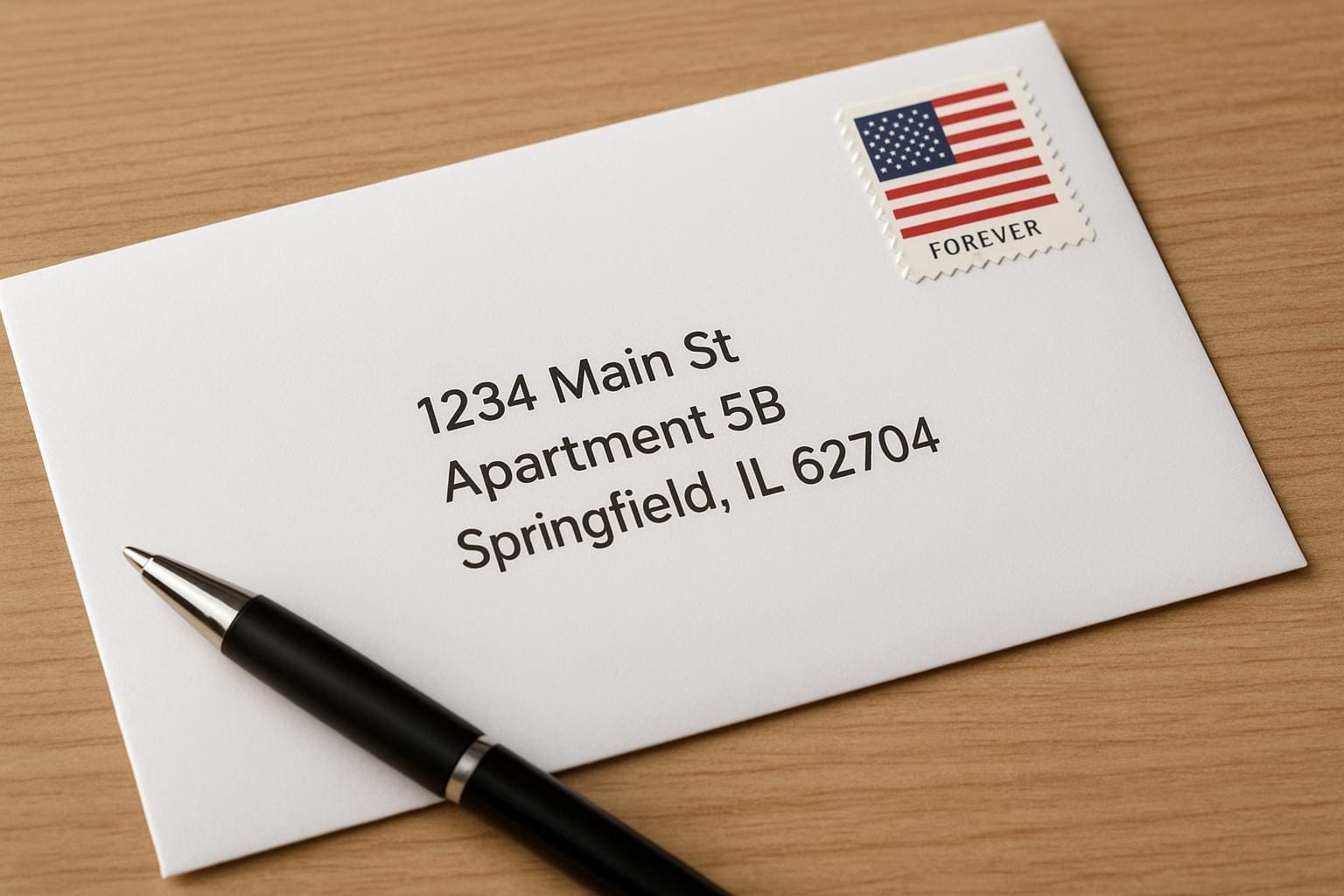
A return address should be compact and complete. One line for the sender name, one for the street or PO Box, and one for city, state and ZIP. If you can, include the ZIP+4 — it helps with routing and speeds things up.
usps return address guidelines prefer standard state abbreviations (CA, NY, TX) and USPS-recognized street suffixes (St, Ave, Blvd). Abbreviate unit or suite numbers consistently: Apt 4B or Ste 200. Avoid commas and extraneous punctuation when you want machines to read it clearly, although a comma won’t usually break delivery.
#### Address Elements And Order
– Line 1: Sender name or business name.
– Line 2: Street address or PO Box.
– Line 3: City, State ZIP+4.
Using the correct order prevents confusion. If you put the suite line below the city line, carriers may miss it when sorting by hand.
#### Abbreviations And Punctuation
The Postal Service has an address database and a list of standard abbreviations. Using those abbreviations helps sorting software. Minimize punctuation so automated readers have less to interpret. That said, legibility beats rigid rules — ugly handwriting with a comma can still be read, while a machine-smudged label cannot.
## Where To Put It On Packages And Postcards
Packages give you more space, but they also present more problems. Put the return address on the same face as the delivery address or the top-most panel. Keep it at least one inch away from the delivery address and any barcode areas. If you cover the return address with a shipping label, place a new one nearby rather than obscuring the original.
On postcards, space is tight. Place the return address on the left side of the back or along the top-left when the address is on the right. If you’re printing postcards in bulk, run a few test prints and feed them through a sorter to confirm legibility. These small checks often save returns.
### Special Cases: PO Boxes, APO/FPO, And International Mail
Using a PO Box is fine — the USPS return address guidelines accept PO Box numbers just like street addresses. For military mail (APO/FPO), follow the specific APO/FPO format and include the correct ZIP. For international return addresses, write the country name in full on the last line. The rules for formatting still apply: clear, complete, and consistent.
## Business Mail And Automation Considerations
If you send a lot of mail, you’ll want to consider automation. Avoid placing logos, barcodes, or other printing in the lower right quadrant of a mailpiece; that’s where the USPS barcode often goes. If your return address drifts into that clear zone, automated systems may reject or reprint pieces.
Keep return addresses in a single block, left aligned. Machines read predictable patterns better. If you use variable data printing, test with a sample batch. Small variations in font size or ink density can lead to misreads and returned items.
### Return Address Rules For Bulk And Marketing Mail
Return address rules change slightly for bulk mail. The USPS allows a Permit Imprint or business reply mail indicia in certain places, but a physical return address is still recommended unless you’re using a presorted, metered system that specifies otherwise. For marketing pieces, a clearly visible return address reduces the chance a mailpiece will be trashed as unidentified bulk mail.
## Using Labels, Handwriting, And Addressing Software
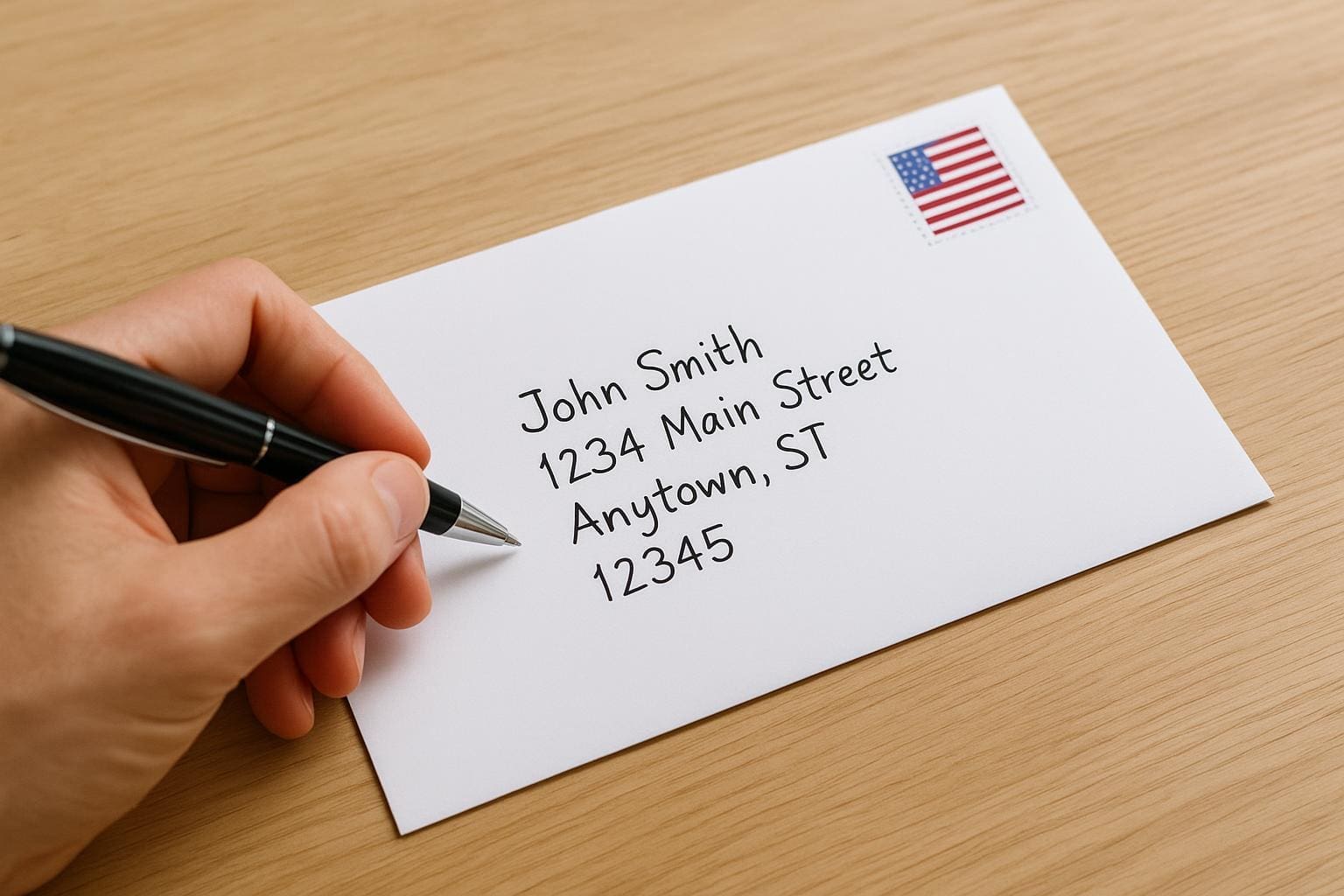
Stickers are fine. Just make sure they adhere well and don’t curl or come off. If the package will be exposed to moisture or rough handling, print on a weatherproof label. When handwriting addresses, use block letters and a dark permanent pen. Avoid fountain pen ink that can feather on porous cardstock.
Addressing software can normalize addresses, add ZIP+4, and correct misspellings. Run your list through a CASS-certified service when doing mass mailings. That investment reduces returned mail and helps with postage discounts where available.
### When You Can Skip A Return Address
Technically, the USPS does not require a return address on most domestic mail. But skipping it risks losing your mail entirely. The absence of a return address makes it impossible for the Postal Service to return items that are undeliverable as addressed. For legal or time-sensitive documents, always include one.
## Damage, Undeliverable-Mail, And Privacy Concerns
If a mailpiece is damaged, the USPS will try to return it if a return address is present. For privacy-minded senders worried about giving an address, consider a PO Box or a commercial mail receiving agency. Those options provide a return address that doesn’t expose your home location.
If a package is undeliverable due to customs, an incomplete address, or refusal by the recipient, the return address determines whether it comes back to you. That small label in the corner is your insurance policy. Some folks write “Return Service Requested” near the return address to prompt the USPS to forward or return per service rules, but check postage and service requirements first.
## Common Mistakes To Avoid
– Illegible or decorative fonts. Pretty, but unreadable.
– Placing the return address too close to the barcode or postage area.
– Using low-contrast colors that scanners can’t read.
– Forgetting unit numbers or ZIP+4 on apartments and condos.
– Relying on an untested template for bulk jobs.
Following plain, consistent return address rules cuts down on headaches. It helps carriers, sorting machines, and you.
#### Quick Practical Tips
– Print return addresses in a simple sans-serif font, 10-12 point.
– Use black ink on white or light-colored labels.
– Include ZIP+4 when possible.
– Test a sheet through a sorter if doing high-volume runs.
– Use a PO Box or CMRA if you don’t want to expose a home address.
If you remember nothing else, keep the address readable and in the upper-left for envelopes or top panel for packages. Those are the core usps return address guidelines that matter every time you send something out. And yes, one smudged label can cost you a day or two of chasing — so make it legible, or it will be returned, lost, or delayed.