Thermal Printer Vs Inkjet For Shipping Labels Sparks Debate

thermal printer vs inkjet for shipping labels

## Thermal Printer Vs Inkjet For Shipping Labels: Real-World Tradeoffs

If you ship even a handful of packages a week, the choice between thermal and inkjet printers matters. It shapes your daily routine, your supply budget, and how often you have to intervene when a label jams or smears. This isn’t a marketing debate — it’s about what actually happens in a packing room at 8 a.m. when a rush of orders hits. I’ll walk through the tradeoffs so you can match the gear to the workload.

### How Thermal Printing Works

There are two practical thermal types you’ll see for shipping: direct thermal and thermal transfer. Direct thermal uses heat to darken a chemically treated label stock. No ink, no ribbon, just heat and paper. Thermal transfer presses a heated ribbon against plain label stock; the ribbon melts ink onto the label for a more durable mark.

Direct thermal is fast and cheap to run. Rolls of 4×6 labels, compatible with most shipping workflows, are inexpensive and easy to change. Thermal transfer makes sense when you need long-term durability or chemical resistance — think labels that must survive outdoor storage, sunlight, or oily surfaces.

Thermal mechanisms are straightforward, and most thermal shipping label printers support common label languages like ZPL or EPL. That matters when you integrate with scanners or warehouse systems. A little setup up front, and the printer becomes nearly invisible on busy days.

### How Inkjet Printers Handle Labels

Inkjet printers spray tiny droplets of ink onto paper. That gives you flexibility: color logos, promotional stickers, or brightly branded packing slips. But that flexibility comes with caveats.

First, ink needs time to dry, and many shipping label stocks—especially glossy or top-coated sheets—don’t accept water-based inks well. Labels printed with standard dye-based ink will smear when they touch moisture or even oils from handling. Pigment inks are better for durability, but they’re usually found in higher-end inkjet machines and can still pale if exposed to heat or sunlight.

There’s also workflow friction. Inkjet label printing often uses sheets or roll-fed label kits meant for home or office users. Those are fine for low volume, but swapping a stack of cut-sheet labels during a busy shift is a pain. Ink costs and head maintenance also creep up—nozzle clogs and frequent cartridge swaps are real.

## Cost, Speed, And Volume Considerations

Choosing between thermal printer vs inkjet for shipping labels usually comes down to volume and recurring expenses. The up-front device price is only part of the picture.

### Per-Label Cost Breakdown

Numbers vary, but here’s a realistic snapshot:

– Direct Thermal: A roll of 4×6 direct thermal labels (around 2,500 labels) might cost $15–$30 depending on supplier and adhesive. That’s roughly $0.006–$0.012 per label. No ink, no ribbon.
– Thermal Transfer: Add ribbon costs—ribbons that handle 2,000–3,000 labels might run $12–$25. Per-label cost creeps up slightly, but durability improves.
– Inkjet: Label sheets or roll labels for inkjets carry a higher per-sheet cost. Add the cost of ink: cartridge yields for heavy label printing can mean $0.03–$0.15 of ink per label, depending on printer efficiency and whether you print color. Combined with label stock, you’re often over $0.05 per label.

If you ship a few dozen packages monthly, the inkjet per-label costs feel small. When you scale to hundreds or thousands per week, thermal quickly pulls ahead on pure cost-per-label math. That’s why most high-volume shippers standardize on a shipping label printer that’s thermal-based.

### Throughput And Downtime

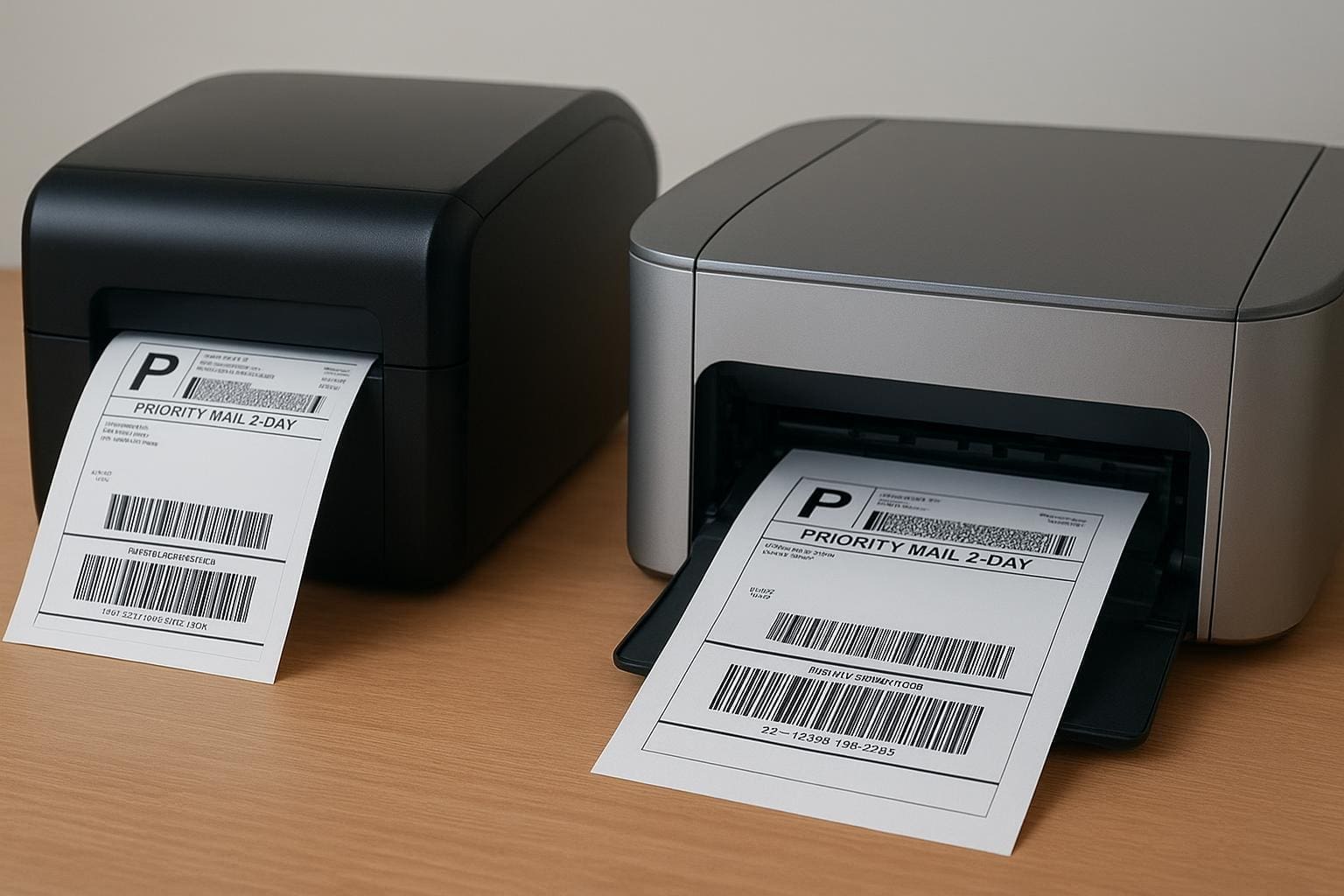
Thermal printers are optimized for continuous label output. A 203 dpi thermal unit will spit out a 4×6 label in under a second. You can stack labels on dispensers, automate peel-and-present workflows, and keep the packing line humming.

Inkjet printers are slower for single labels and are prone to interruptions: drying time, paper misfeeds, nozzle cleaning cycles. If your operation expects spikes in volume — flash sales or holiday rushes — the downtime from maintenance becomes a real cost.

#### Media Costs And Sourcing

Thermal label stock is ubiquitous. Bulk suppliers, online marketplaces, and local office-supply chains all carry compatible rolls. That reliability lowers risk: you can buy five rolls from any vendor and expect consistent adhesive and print quality.

Inkjet label media is more fragmented. You need to choose label material and a compatible adhesive. Some glossy or polymer stocks that look great might actually reject common inks. That adds a procurement headache to the packing process, and it’s where small operators often trip up when they scale.

## Print Quality, Durability, And Barcode Readability

If a barcode doesn’t scan on day one, a lot can go wrong downstream. This is where the “thermal printer vs inkjet for shipping labels” debate becomes technical.

### Durability Tests

Direct thermal labels are sensitive to heat and sunlight — prolonged exposure will fade the print. Thermal transfer labels withstand heat and abrasion much better because the ribbon bonds pigment to the surface. Inkjet labels vary widely: pigment inks on a suitable label can match thermal transfer in resilience, but that requires careful pairing of ink and media. An inkjet with dye inks on standard paper will fail quick if it touches moisture or gets roughed up.

From a practical standpoint, if your packages spend time outdoors, in a hot truck, or in retail backrooms, thermal transfer or pigment-based solutions are safer.

### Barcode Readability

Scanners don’t care about colors or logos; they want sharp contrast and consistent bar widths. Thermal printers, especially at 203 or 300 dpi settings, produce crisp, high-contrast codes that scan reliably at high read rates. Inkjet can achieve high resolution too, but dot gain and variable droplet placement can alter barcode edges. That’s one of those subtle things: an occasional misread is manageable; a 2% read-failure rate across thousands of packages becomes a customer service headache.

## Maintenance, Reliability, And Workflow Integration

Owning a printer is more than its purchase price. Maintenance time, consumables, support, and software add up.

### Common Failure Modes

Thermal printers: the main wear points are the print head and platen roller. Dusty label environments and abrasive label materials accelerate wear. But replacement heads are a known cost and many business-class units have tool-free head replacement and clear error indicators.

Inkjet printers: nozzle clogging is the recurring enemy. If you don’t print daily, water-based inks can dry in the nozzles and force cleaning cycles that waste ink. Professional inkjet models mitigate this, but at a higher price point.

### Software And Driver Support

Most shipping platforms (Shopify, ShipStation, Shippo, Amazon Seller Central) have strong support for thermal label printers. Thermal printers often accept raw label commands and can be fed directly from warehouse management systems. Inkjet printing typically routes through Windows or Mac print drivers, which introduces variability: different drivers, paper handling settings, or scaling options can break layouts unexpectedly.

Integration matters when you scale. A shipping label printer that takes a single network command and outputs a correctly sized label every time saves human steps and reduces errors.

## Environmental And Practical Considerations

People talk about “greener” choices without getting specific. Here’s what actually matters in the packing room.

– Waste: Direct thermal rolls create less packaging waste than individual label sheets and fewer empty cartridges. However, thermal paper uses coating chemicals that have raised concerns; if that matters for compliance, consider sourcing BPA-free thermal stock.
– Energy: Thermal printers use bursts of heat; their idle power is low. Inkjets, especially office multi-function units, can draw more power and have longer warm-up cycles.
– Noise And Footprint: Thermal units tend to be compact and quiet. Office inkjets can be larger and noisier when performing maintenance cycles.

### Color And Branding Tradeoffs

If your brand needs colorful labels, promotional headers, or stylized logos on each shipping label, inkjet wins on flexibility. There are workarounds: print a separate color sticker or use thermal printers that can handle pre-printed media. But those add steps.

For most standard shipping labels where barcode readability and adhesive reliability matter most, color is secondary. If the package aesthetic is a competitive differentiator for you—say, a boutique brand that treats unboxing as a marketing channel—then accept the extra cost and complexity of inkjet or hybrid approaches.

## Which One Should You Buy?

Decide by workload, not by hypotheticals. Here are practical scenarios to guide the choice.

### Best For High-Volume Shipping

If you’re doing hundreds of labels per day, go thermal. A mid-range 203 dpi direct thermal unit or a thermal transfer model will reduce your per-label costs, minimize downtime, and play nicely with fulfillment systems. Look for reputable industrial or commercial models with user-replaceable heads and clear service paths.

A reliable shipping label printer in this context becomes part of the infrastructure — like a scale or a conveyor. Spending a bit more up front saves time and frustration weekly.

### Best For Low-Volume Or Color Needs

If you ship irregularly or need color branding on every label, an inkjet can be the right choice. Stick with pigment-based inks and compatible label media if durability is required. Plan for occasional maintenance and accept that consumable costs will be higher.

For very small operations, the flexibility of printing shipping label printing on a regular office printer may be acceptable. Just be ready for more manual steps and potential reprints.

### Hybrid Approaches

You don’t have to choose one. Some shops use thermal printers for core 4×6 shipping labels and keep a small inkjet for marketing materials, colored tags, or specific one-off jobs. Others outsource color label runs to a print shop and use a thermal shipping label printer for day-to-day fulfillment.

Outsourcing is another valid option. If you ship seasonally or have unpredictable spikes, sending label production to a third-party logistics partner or a fulfillment center can remove the need to invest in high-volume gear.

### Practical Shopping Tips

– Match DPI To Need: 203 dpi is fine for most carriers’ 4×6 labels. Use 300 dpi for smaller barcodes or denser graphics.
– Check Media Specs: Don’t assume any label will work in any printer. Verify compatibility, especially with inkjet media.
– Buy From Known Vendors: Warranty and replacement-head availability matter. The cheapest unit can cost more in downtime.
– Test Before You Scale: Order a small roll of labels, print a few hundred, and try them through your scanner, wrapping, and shipping process. It’s the fastest way to find problems.
– Monitor Consumable Costs: Track your spend over a few months — initial purchase price is the smallest part of total cost of ownership.

A quick practical example: a small e-commerce seller that prints 500 labels a month would see thermal pay off quickly in lower per-label cost and fewer maintenance interruptions. A craft seller printing 30 colorful labels a month might choose an inkjet for its visual flexibility and accept the higher per-unit cost. If you expect to scale, think about moving to thermal before volume becomes a bottleneck.

Recieve a few sample rolls and run them through your typical packing cycle. Test scanning success, check how the print ages in transport, and evaluate how often you have to intervene. Those simple checks will tell you more than any spec sheet.

Charting the Best Label Printer for Small Business Shipping

best label printer for small business shipping

## Best Label Printer For Small Business Shipping: What To Look For

If you ship packages regularly, the right gear changes everything. The best label printer for small business shipping isn’t the fanciest machine on the block; it’s the one that matches your volume, software, and budget while staying reliable. You want crisp barcodes, sticky labels that don’t peel mid-transit, and a workflow that doesn’t slow you down.

### Picking The Right Printing Technology

There are two main thermal technologies: direct thermal and thermal transfer. Direct thermal printers darken paper with heat. They’re simple, fast, and cheap to run because you don’t need ink or ribbons. They work perfectly for most shipping labels that get scanned within a few months. But they fade if exposed to sunlight or heat for long periods.

Thermal transfer uses a ribbon to transfer ink onto the label. It’s slightly more expensive per label but makes tough, durable labels for long-term storage, outdoor use, or packages that might sit in a hot truck. If you print specialized labels—like vinyl or polyester—you’ll want thermal transfer.

A laser or inkjet can print shipping labels, but they’re slower, require consumables, and often need label sheets that jam. For volume and reliability, go with a thermal model.

### How Much Volume Do You Expect?

Match printer class to daily throughput:

– Occasional (under 50 labels/day): Compact desktop thermal units like Dymo or Brother models work fine. They’re inexpensive and easy to set up.
– Moderate (50–200 labels/day): A 4-inch direct thermal desktop with better cooling and an ethernet option is a pragmatic choice.
– High (200+ labels/day): Industrial or heavy-duty desktop printers from Zebra or TSC. Look for fast print speeds and easy media handling.

Think about peak days. A single busy morning of 300 labels will kill a small unit. Plan for 20–30% headroom.

### Connectivity And Software Compatibility

If you’re printing from shipping platforms—Shopify, ShipStation, Shippo, Etsy, Amazon—you’ll want a printer that plays nicely. USB-only models are fine at a single workstation. If multiple people need access, pick Ethernet or Wi‑Fi. Bluetooth works for mobile packing stations but can be finicky with older phones.

Drivers and integration matter. Zebra, Brother, and Rollo have solid credential histories with third-party shipping software. Lower-cost options can require a workaround like printing to PDF then sending to the printer. That’s tolerable if you only do a few labels, annoying at volume.

### Size, Label Width, And Label Types

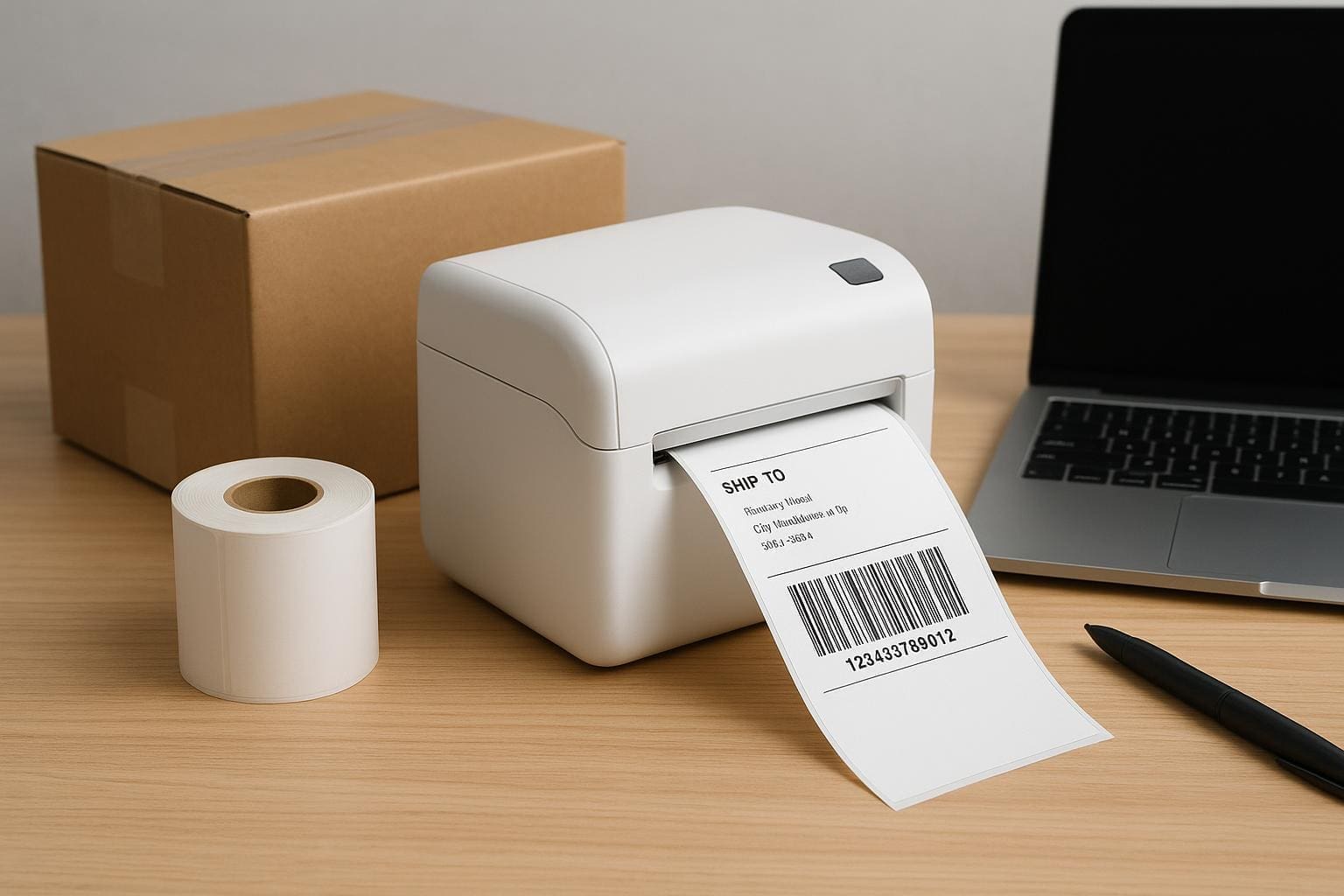
Most shipping carriers accept 4×6 labels. That’s the de facto standard for parcel printers, so prioritize 4-inch-wide capability. Smaller wallets and address labels are fine for receipts, but the 4×6 format keeps barcodes readable and layouts consistent.

If you print customs or fragile notices, check whether your label printer supports fanfold or roll labels, perforations, and die-cut sizes. The wrong size leads to wasted labels or clipped tracking numbers.

### Print Quality, Speed, And Cost Per Label

DPI matters for tiny barcode clarity. For shipping labels, 203 dpi is usually enough. If you also print detailed barcodes or small text, 300 dpi helps. Speed is measured in inches per second. A 4 ips (inches per second) printer handles basic needs, while 6–8 ips is better for busier shops.

Cost per label is mostly paper and, if applicable, ribbons. For direct thermal, compare roll lengths and core sizes. Some cheaper printers force proprietary labels that cost more. That alone can change your total cost of ownership in six months.

### Top Picks For Typical Use Cases

Here are a few real-world options that tend to perform well in small business shipping operations:

– Dymo LabelWriter 4XL: Cheap and compact. Good for occasional shipping and small shops. Limited to direct thermal and sometimes finicky with non-Dymo rolls.
– Rollo 4-Inch Commercial Printer: Affordable, works with many shipping platforms, accepts generic labels, and prints fast enough for small-to-medium volumes.
– Brother QL-1100: Reliable, supports 4-inch widths, and integrates smoothly with Windows and Mac drivers.
– Zebra GK420d / ZD420: Built for higher volume. Durable, accurate barcodes, and excellent network options. A better fit if you expect to scale.

These aren’t exhaustive, but they illustrate the trade-offs: price, compatibility, and robustness.

### Practical Setup Tips To Avoid Headaches

Get the right label stock first. Generic rolls are fine, but check the roll diameter and inner core size. Some printers need 1-inch cores; others use 0.5-inch. If you change suppliers, confirm the adhesive and paper type—water-based glues are cheaper but don’t hold up on some surfaces.

Label orientation and margins matter. Set up templates in your shipping software before running a batch. Test with five labels to confirm alignment. Clean the printhead with isopropyl alcohol every few rolls to avoid streaks. If you use direct thermal, avoid storing rolls in sunlight; they’re heat-sensitive and can darken.

### Workflow And Packing Station Setup

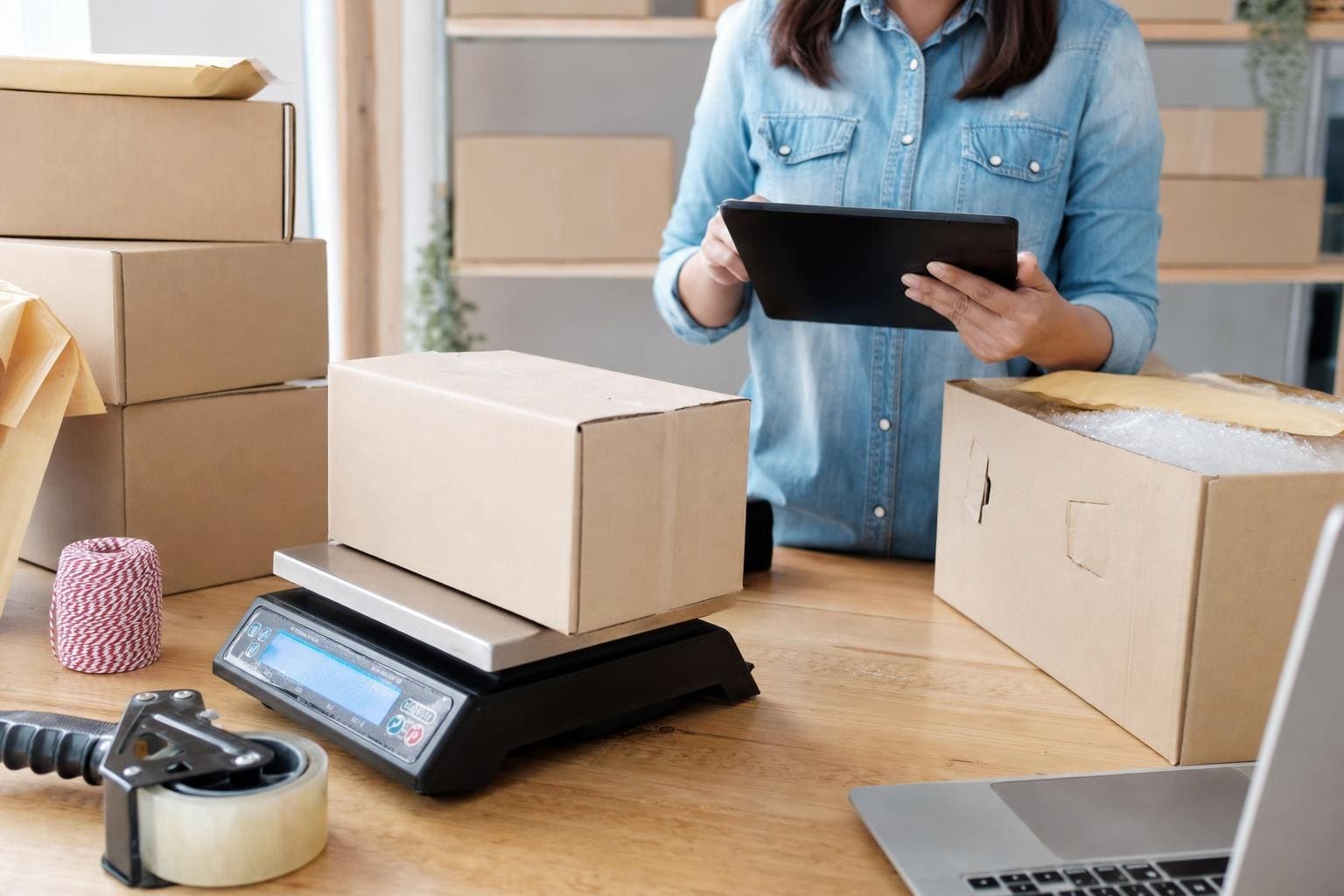
A label printer is only part of the system. Place the printer next to your scale and packing tape, not across the room. Use a label dispenser or a peel-off model if you have one person applying labels all day. A small stand or shelf keeps rolls tidy and prevents dust from entering the printer.

If your team prints from different devices, put the printer on ethernet or a shared Wi‑Fi network and use a consistent hostname. For multiple printers, name them by station—“Shipping‑Station‑1”—so staff pick the right device in the software.

### When You Need Durability Or Specialty Labels

If your shipments go to construction sites, plants, or overseas storage, consider thermal transfer with polyester labels and resin ribbons. These survive abrasion, chemicals, and sunlight. Also use specialty adhesives when labels need to stick to rough or curved surfaces. That’s outside what the cheapest direct-thermal machines can reliably deliver.

#### Maintenance And Troubleshooting

Cleaning is simple: power down, gently wipe the printhead, and remove dust from rollers. Avoid abrasive cleaners. Replace worn rollers and checked gears if you notice slippage. When barcodes fail to scan, first check DPI, then label contrast. If printing fades, confirm you’re using the correct label type for direct thermal printers.

If drivers act up after an OS update, check the manufacturer website for new versions. Legacy models may need community drivers or a small middleware tool to talk to modern shipping platforms. It’s irritating but often solvable without buying new hardware.

### Budgeting And Total Cost Considerations

Buy the cheapest printer you can that still meets your needs. But don’t skimp on reliability. A $100 printer might be fine for a side hustle. For a growing storefront, a $300–$600 model often saves headaches and labor time. Factor in labels, ribbons, cores, and spare parts. A single misprinted batch can eat the savings from a cheap model.

The best label printer for small business shipping balances cost, speed, and durability. Match your choice to the real work you do every day, and plan for slightly more capacity than you think you need so you don’t outgrow the unit in six months. Also, remember to keep a spare core and a small supply of labels or you’ll be stuck on a shipping day waiting for a delivery that could have been prevented with one extra roll that was mispelled in the order list.