How To Schedule USPS Package Pickup From Home Step By Step

how to schedule usps package pickup from home

## How To Schedule USPS Package Pickup From Home: What You Need First

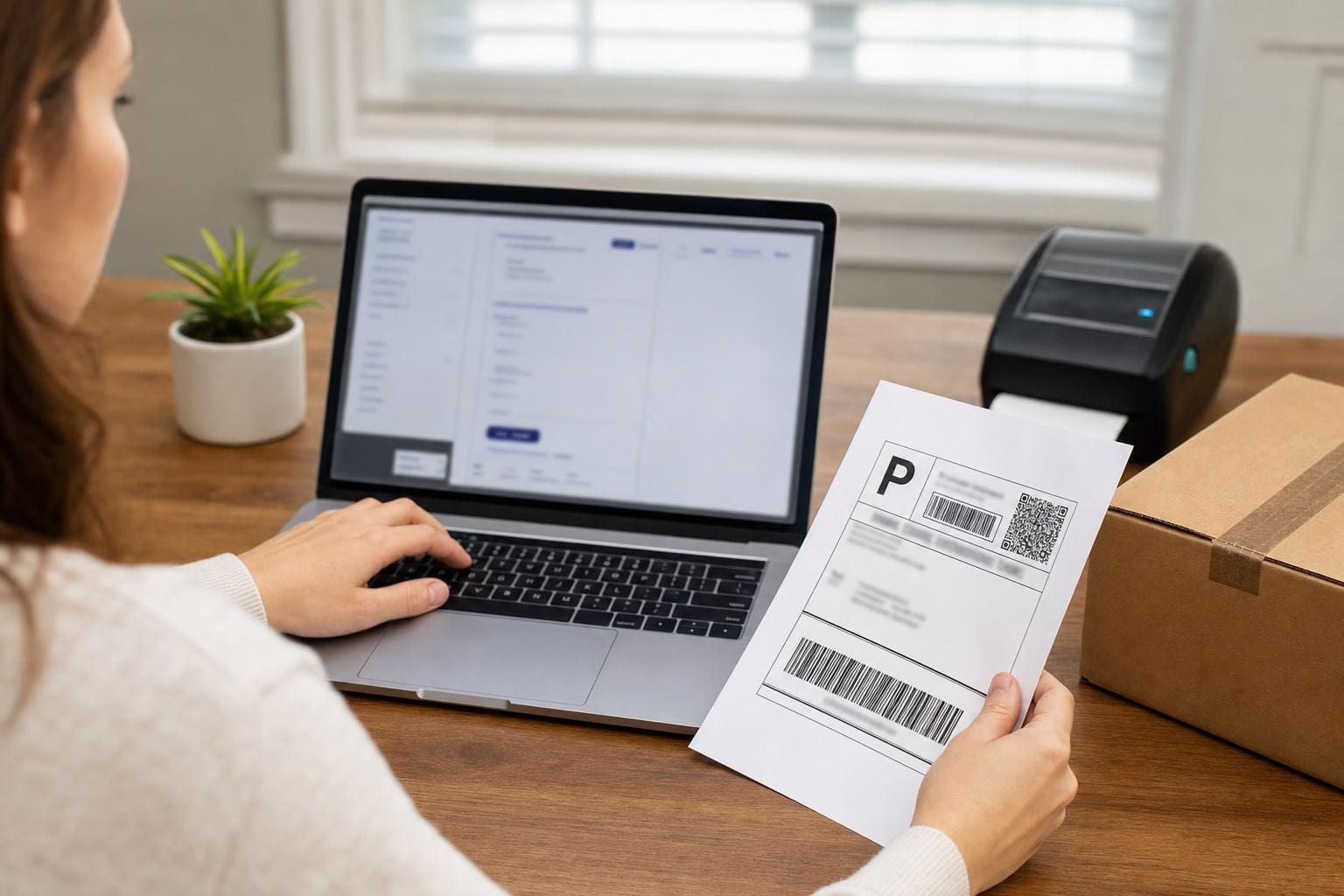
Scheduling pickups online saves time, but it won’t work if you skip the basics. Before you try to schedule usps package pickup from home, make sure you have the package ready, the correct postage applied, and an account set up on USPS.com if you plan to use the web form. Those three things are the common reasons a carrier will leave without taking your shipment.

A quick checklist to run through in your head:
– Package sealed and labelled.
– Postage purchased or a printed label attached.
– Clear pickup location (front porch, lobby, mailroom).
If any of those are missing, you’ll get a visit and no pickup. Simple, but easy to forget.

## Why Schedule Pickup Instead Of Dropping Off

Using a pickup avoids a trip and fits into tight schedules. It also helps when you have multiple packages or awkwardly sized boxes. For small businesses, routine pickups reduce the overhead of shipping. For individuals, it’s convenience: you don’t have to wrestle a parcel into a car.

A few real-world advantages:
### Time Savings For Real Tasks
Some people think pickups are only for busy professionals. I once had a neighbor who ran a weekend Etsy shop. Having a scheduled usps pickup saved her an extra hour every Saturday morning. That hour went to making more products instead of standing in line.

### Better For Bulky Or Heavy Items
If you’re handling heavier items, a pickup avoids the risk of dropping something while loading it into a vehicle. USPS carriers are used to handling packages and have carts and tools at their disposal.

## Create Or Sign In To Your USPS Account

You’ll need an account to schedule online. Go to USPS.com and sign up or sign in. Account creation asks for your name, email, and address. Verify the email and you’re set.

#### Why The Account Matters
Without an account, your pickup options are limited. The system keeps track of your address, preferred pickup spots, and any scheduled pickups so you don’t have to re-enter information every time.

#### Security Tip
Use a strong password and enable two-factor authentication if available. You’re basically storing delivery preferences and addresses here; treat them like any other secure account.

## Step-By-Step: How To Schedule USPS Package Pickup From Home

Below are the practical steps I use every time I schedule a usps package pickup. This is the method that actually works, not the cluttered version with extra clicks.

1. Sign in at USPS.com.
2. Go to the “Schedule a Pickup” page under Quick Tools.
3. Enter your pickup address and package details.
4. Choose whether the carrier should collect from your door or the front of the building.
5. Confirm and print any required label or Pickup ID page if requested.

### Entering Package Details Correctly
Describe the number of packages and the size class honestly. If you expect multiple boxes, put that in. Some carriers won’t take additional boxes if the number differs from what you scheduled.

### Free Versus Paid Options
Most domestic pickups from your carrier during a normal delivery day are free when you already have postage paid. If you need a special appointment outside of normal delivery, there may be a fee. We’ll cover the fee scenarios next.

## When Pickup Is Free And When It Costs

The free option is surprisingly flexible. If you purchase postage online and schedule a pickup for the same day or the next regular delivery day, USPS normally doesn’t charge. But there are exceptions.

#### Common Fee Triggers
– Choosing a specific time window outside normal delivery hours.
– Requesting a pickup from a commercial address where additional service charges apply.
– Scheduling more than a certain number of packages for non-business accounts.

If you’re unsure, the site will show any fees before you confirm. That prevents billing surprises.

## Placement And Labeling: Small Details That Matter

Putting the box in the right place and labeling it clearly reduces the chance of missed pickups. Carriers have little time to hunt for parcels.

### Where To Put Packages
If you live in a single-family home, leave the package at your front door or on the porch where mail usually goes. For apartments, leave it at the lobby or the designated location you noted in the pickup instructions. If you have a gate, include access instructions.

### Label Tips
Attach the printed label flat on the largest surface. If you’re not printing a label, write the recipient and return address legibly. Use a plastic sleeve or tape the label so it doesn’t get wet. I once had a package soaked in rain and the label ran; the carrier left because they couldn’t confirm postage. Avoid that.

## How To Handle Missed Pickups

If the carrier didn’t pick up your package, don’t panic. Start by checking the pickup confirmation email or account page. It usually says whether the request was fulfilled or canceled.

#### Common Reasons For Misses
– Postage missing or not printed.
– Package not at the exact location you specified.
– Carrier had an unexpected issue like route changes or a heavy load.

If the pickup is marked incomplete, reschedule quickly. If the pickup shows as complete but the carrier didn’t take your box, contact USPS customer service and have the Pickup Reference Number ready.

## USPS Pickup For Businesses Versus Individuals

If you ship often, consider setting a recurring pickup. Businesses can schedule daily pickups if they meet minimum volume or have a carrier stop assigned. Individuals might not qualify for daily service, but you can still schedule occasional pickups as needed.

### Setting Up Recurring Service
Call your local post office to request recurring pickups for business use. They’ll set up a routine pickup time according to the carrier’s route.

#### Cost Consideration For Regular Service
Some recurring pickups for businesses are free if minimum package volume is met. If not, expect a small monthly fee. Ask the local postmaster for details.

## Tracking And Proof Of Pickup

Once the pickup is scheduled, you’ll get a confirmation email. Keep that email until the package is scanned. If you paid for postage online, you usually get a tracking number that shows scans after the carrier picks it up.

### What To Do If No Scan Appears
If tracking doesn’t show a pickup scan within 24 hours of the scheduled time, call or use the website to open an inquiry. Be ready with addresses, tracking numbers, and the pickup confirmation number.

## Alternatives If Pickup Doesn’t Work

Sometimes pickup isn’t an option. Maybe your building has no common area access or you missed the carrier. In that case, use one of these alternatives:
– Drop at a USPS Collection Box if the package fits.
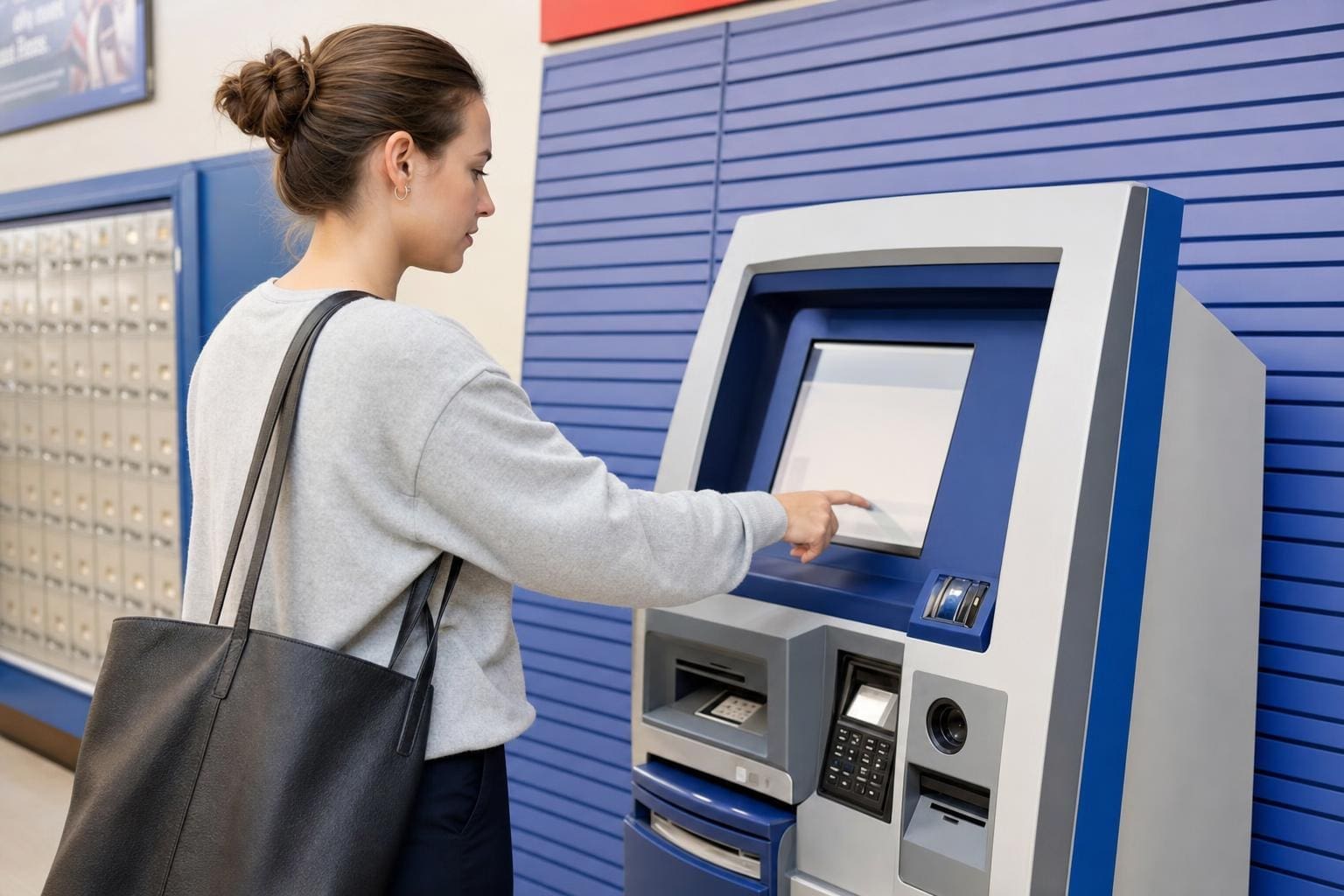
– Use self-service kiosks at larger Post Offices.
– Schedule a drop-off at an Authorized Shipping Center.

Each option has trade-offs. Collection boxes are quick but size-limited. Kiosks are good for printed labels; they accept package drop-offs and will give a receipt.

## Common Mistakes To Avoid

People make the same small mistakes over and over. They think a carrier will take any box left outside, with or without postage. They assume scheduling is automatic once they print a label. Both are false.

### Don’t Forget To Print Or Pay
If you schedule a pickup expecting the carrier to accept payment or to apply postage, you’ll be disappointed. Prepay online and attach the label, or buy postage at your front counter. The carrier typically won’t accept cash for postage at pickup.

### Don’t Overlook Access Instructions
If your building has a code or specific entry point, put it in the pickup instructions. Carriers won’t guess where to find your package.

## Quick Troubleshooting Steps

If something goes wrong, here’s what I do:
1. Check the confirmation email or Pickup Reference Number.
2. Verify the package was at the designated location.
3. Confirm postage or label was attached.
4. If all else fails, call your local Post Office and provide the ref number.

These steps clear up most issues in one call.

#### When To Escalate
If customer service can’t resolve it, file an online help request. Keep photos of the package and label. Those images often speed up investigations.

## Extra Tips For Busy Shippers

Batch your shipments and schedule pickups on days you typically ship. Keep a small supply of printed labels and packaging supplies handy. I keep a box labeled “Ship” by my door; when it’s full, I schedule a pickup and move on with other tasks.

Also, keep a calendar reminder for any recurring pickups so you’re not surprised by missed days. It’s an easy habit that removes friction.

If you follow these steps, scheduling how to schedule usps package pickup from home becomes routine rather than a chore. Do it right once and future pickups are frictionless. This process works whether you ship one parcel a month or dozens a week.

Finally, remember to check local Post Office policies; rules can vary. And yes, sometimes you’ll need to call in person — especially for large or unusual items. Mistakes happen. Just be ready to explain the situation and provide the pickup ID. And don’t forget to double-check the label so you don’t have to reschedule because of a simple typo or a reciept left unread by the carrier.

How To Fix USPS Tracking Not Updating With Clear Steps

how to fix usps tracking not updating

If a tracking page freezes and the delivery date slides further away, you can fix a lot of the problem yourself. Most of the time the issue isn’t a lost package; it’s a missing scan, a slow update, or a label that was created but never attached. Below are clear, practical steps to get information moving again — and what to do if those steps don’t help.

## How To Fix USPS Tracking Not Updating Quickly

Start here. If you search for how to fix usps tracking not updating, you’ll find a handful of common, repeatable actions that solve 80% of cases. Use them in order.

### Check The Tracking Number And Source

– Verify the number. Typing errors are surprisingly common. Copy the number from the seller’s email or the label and paste it into USPS tracking.
– Confirm you’re using the right carrier. Some sellers list multiple carriers; a “USPS” label might have actually been handed to UPS or a local courier.
– If the seller emailed a link, open that link rather than retyping the number.

### Wait A Short Window Before Worrying

The system often lags. If the label was created but the package hadn’t entered the mail stream, updates can take 8–24 hours. If the shipment is international, allow several days for the first inbound scan.

### Check For The “Label Created” Status

If the page reads “Label Created, USPS Awaiting Item,” the carrier hasn’t actually scanned the package yet. The fix here is simple: contact the seller and ask whether the item has physically been handed to the post office. Sellers can provide proof of drop-off or arrange a reshipment.

### Refresh With Another Device Or Network

Sometimes the tracker in your browser is caching an old page. Open the tracking number on your phone with mobile data, or use a different browser. This is basic, but it works more often than you’d expect.

### Use The Mobile App And Text Alerts

The USPS app sometimes pulls different data than the website. Turn on text or email notifications. If you’ve ever set up continuous alerts, they can show you when a new scan arrives before the site fully updates.

## Common Reasons Tracking Stops Updating

If the steps above don’t free things up, match your situation to one of these causes. Identifying the root makes the next step obvious.

### Label Created But Package Not Scanned

A seller prints a label and doesn’t actually drop the parcel off. That looks like delivery activity but won’t produce further scans. If you’re the buyer, ask the seller for a drop-off receipt or new tracking.

### Missed Scans At Sorting Facilities

Packages move physically but miss a scan due to operator overload or machine error. The item moves and then three scans later shows up at your local facility. That gap is frustrating but usually temporary.

### Human Error Or Incorrect Address

If the address is wrong, the package may be returned to sender or held for correction. Check the address on your order confirmation. If it’s wrong, contact the seller immediately.

### Delays Due To Weather Or Volume

Holidays and storms slow everything. Packages pile up and scanners aren’t the priority. The package still moves; updates come once staff catch up.

## How To Fix USPS Tracking Not Updating: Practical Steps For Each Cause

Below are targeted fixes for the specific scenarios above.

### If The Label Was Created But Not Dropped Off

1. Message the seller asking when the package was dropped off. Request a drop-off receipt or proof.
2. If the seller admits they haven’t shipped, ask for a full refund or immediate reshipment.
3. If the seller insists it was dropped, ask them to file a missing mail request with USPS; they can do that from their end.

### If Scans Were Missed In Transit

1. Give it 48 hours. Often the next facility will retroactively upload scans.
2. Check the estimated delivery date rather than the last scan time. If the date hasn’t passed, wait.
3. If the date passes and no update, file a missing mail search on the USPS site. Include photos and purchase records when applicable.

### If The Address Is Wrong

1. Contact the seller immediately. The faster you act, the more likely USPS can intercept or correct.
2. If the sender agrees, they can request an address correction through USPS. There’s a chance the package gets redirected without returning to sender.
3. Keep evidence of the correct address and the mistake. That helps claim disputes.

### If Weather Or Volume Is The Problem

1. Track the local facility’s status on social media or news. If your area had a storm, expect delays.
2. If the package is time-sensitive, call the seller to arrange a replacement or refund. Don’t wait for an indefinite scan update.

## Using USPS Tools And External Options

USPS provides tools designed for problems like this. Use them before escalating.

### File A Missing Mail Search

You can submit a Missing Mail Search online. Be specific: include expected delivery dates, item description, photos of packaging or receipts, and the tracking number. This alerts USPS to look through facilities in a more manual way.

### Request Delivery Instructions Or Intercept

If the package still shows activity and is eligible, you can request delivery instructions or file a Package Intercept. There’s a fee and strict eligibility rules, but it can reroute a parcel before it’s delivered to the wrong address.

### Use Third-Party Trackers

Services like 17track or AfterShip sometimes pick up different feed data. They’re not magic, but they might display a scan that USPS’s public page hasn’t shown yet.

## When To Contact USPS Directly

Contact USPS when 48–72 hours pass with no scans and the expected delivery date has passed. Or sooner if the item is high value.

### How To Contact For Best Results

– Call customer service and have your tracking number, order receipt, and sender/recipient details ready.
– If you prefer in-person, visit your local post office with the tracking number and a printed label or order confirmation. Ask the clerk to check the physical sort or to confirm whether the package is in the facility.
– Use the USPS online form to open a case. Use attachments. A photo of the label, the order, and any receipts helps.

### What To Expect From USPS

They will open an inquiry and often respond within a few business days. For some regional facilities, response times can stretch longer. If the item is insured and lost, follow their claim process; that requires proof of value and purchase.

## Seller And Buyer Responsibilities

These problems usually fall into two camps: seller-side or transit-side. Sellers are responsible for actually handing over the package and providing proof. Buyers should verify addresses and follow up quickly if scans stall.

### Sellers Should

– Confirm drop-off with a receipt.
– Reprint labels only when necessary.
– File missing mail requests if the package doesn’t show movement.

### Buyers Should

– Check the tracking link right away.
– Contact sellers immediately if status seems stuck.
– Keep records of communication and receipts for claims.

## Preventing Tracking Issues Going Forward

Fixing one frozen tracking number is satisfying, but prevention is better.

### Ask For Proof Of Drop-Off

If you’re buying something valuable, ask the seller to show a drop-off receipt or to use delivery confirmation. Sellers who ship frequently will have no problem with this.

### Use Carrier Pickup Or Hand-Delivery

When sellers schedule a USPS pickup or hand-deliver at a counter, there’s a scan at acceptance. That reduces “label created” problems.

### Choose Tracking With Insurance For High-Value Items

Insurance requires documentation if something is lost. It also forces a more thorough investigation when tracking gaps occur.

## Quick Troubleshooting Checklist

If you need a fast run-through, here’s what to do in order:

1. Verify tracking number and carrier.
2. Check for “Label Created” status.
3. Refresh on another device or app.
4. Wait up to 48 hours for missed scans.
5. Contact the seller to confirm drop-off or correct address.
6. File a Missing Mail Search with USPS if the date passes.
7. Call or visit your local post office if you need immediate help.

A single mis-scan can feel like a disaster, but most problems are solvable with a few calls and one or two forms. If you need help with the exact wording to send a seller or the USPS when filing a search, I can draft a message you can copy and paste. Just tell me what you’ve tried and what the current status says — I can work from there.

Prepaid Return Label Vs Customer Paid Return Explained

prepaid return label vs customer paid return

## Prepaid Return Label Vs Customer Paid Return Explained

The moment a package heads back down the conveyor belt, a quiet tug-of-war begins between convenience, cost, and customer sentiment. In the e-commerce symphony, the decision between a prepaid return label vs customer paid return is a conductor’s baton: subtle, powerful, and capable of changing the whole performance. This article explores both options like a storyteller with a spreadsheet — imaginative in framing, precise in the remedies.

### The Two Paths: How They Differ

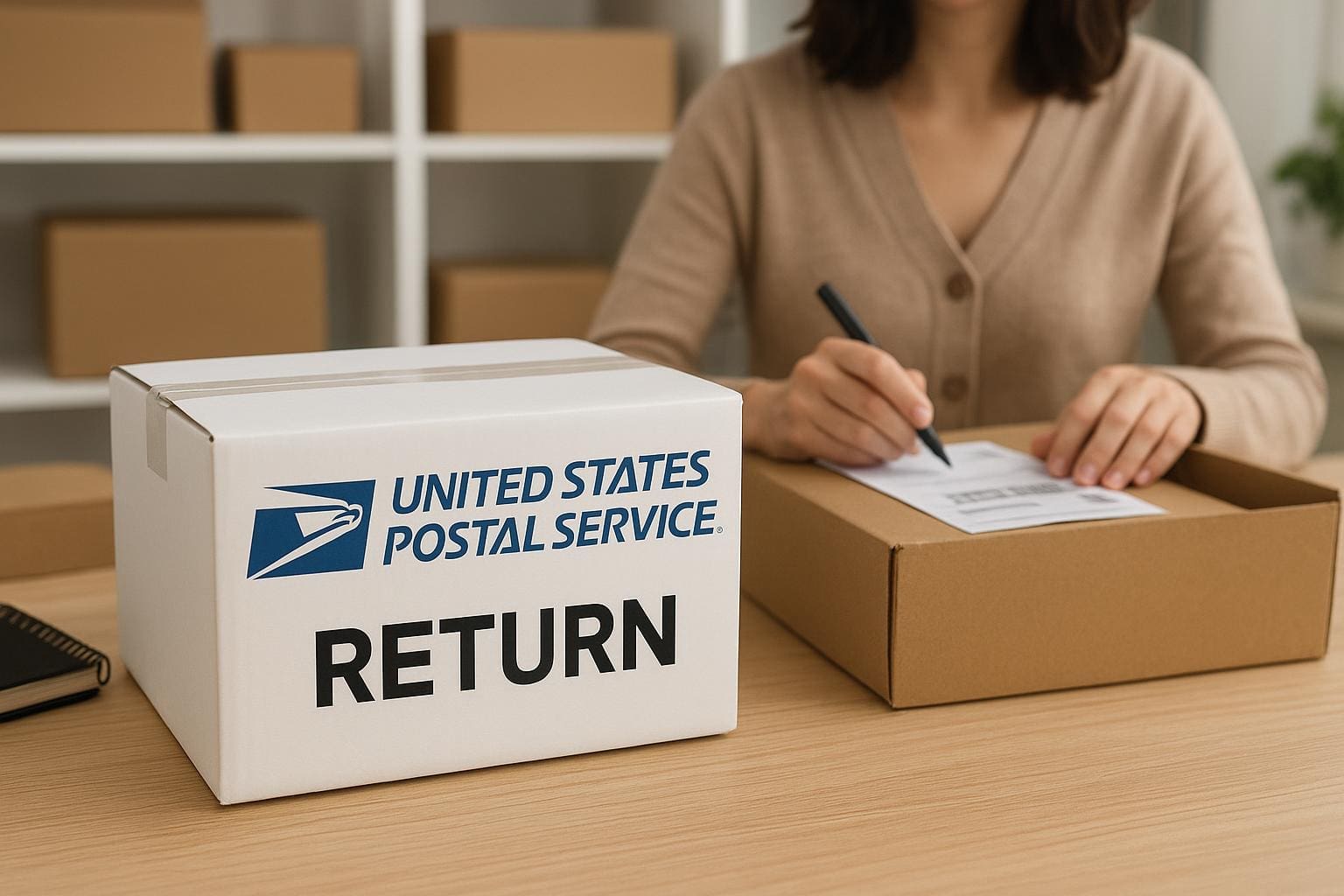
Imagine two travelers returning home. One carries a ticket already paid for; the other must buy a fare at the station. A prepaid return label is that prepaid ticket—no stop at checkout required. A customer paid return is the traveler who pays upfront at drop-off or through the carrier portal.

Prepaid return label vs customer paid return therefore boils down to who shoulders the return costs and who controls the experience. Sellers pick prepaid labels to streamline returns and boost conversion; customers sometimes prefer the flexibility of paying only when necessary. Each path has trade-offs that ripple through logistics, brand perception, and accounting.

### Who Pays, Who Wins, And Who Loses

– Merchants offering a prepaid return label often see higher repeat purchases and improved net promoter score because returns feel frictionless. They also absorb the return costs and must manage label procurement and reconciliation.
– When customers pay returns, the seller saves on return costs but may endure higher friction, lower conversion, or negative reviews. Customers may feel penalized unless the policy is clearly stated or offsets are provided (discounts, store credit).

These dynamics influence everything from cart abandonment to inventory velocity. Consider the psychology: a prepaid return label removes the perceived risk of buying. A customer paid return transfers that tiny bit of risk back to the shopper.

### Operational Differences That Matter

#### Logistics And Processing

A prepaid return label standardizes the return path: specific carriers, return depots, and preapproved shipping dimensions. This predictability reduces processing time, lowers misrouted packages, and helps front-line staff process refunds or exchanges faster. On the flip side, customer paid return flows are more variable — different carriers, label formats, and variable transit times — which can increase labor and processing errors.

#### Accounting And Refund Flow

With a prepaid return label, the seller orders and pays for postage in advance, which shows up as shipping expense and requires tracking reconciliation. With customer paid return, refunds can be processed faster in some systems because the merchant doesn’t need to wait for postage reconciliation, but disputes can be common if the customer uses an unauthorized carrier.

#### Customer Experience And Brand Perception

The presence of a prepaid return label often signals confidence in product quality. The merchant is effectively saying, “Try it — returns are easy.” A customer paid return can be fine in markets where consumers expect to pay returns or for categories with low return rates, but it can deter purchases for high-return items like apparel.

### When To Offer Each Option

Offer a prepaid return label when:
– Item category has high return intent (apparel, footwear).
– You’re pursuing lifetime value and repeat purchase.
– You want to reduce customer support friction.

Consider customer paid return when:
– Items are low value and returns are rare.
– Margins are thin and return costs would erode profitability.
– You’re selling to a price-sensitive audience that expects lower initial prices.

## 1. Remedy: How To Implement A Balanced Prepaid Return Strategy

When the remedy is to make returns easier without blowing margins, you need a disciplined approach. Below are required materials and a step-by-step implementation plan to create a sustainable prepaid return policy.

#### Required Materials
– Return Management Software (RMS) or an integrated e-commerce returns module
– Negotiated carrier contracts or multi-carrier postage API access
– Analytics dashboard for returns and reverse logistics
– Clear written return policy and customer-facing templates
Budget allocation for return costs and contingency

#### Step-By-Step Implementation
1. Audit historic returns data to identify high-return SKUs, return rates, and root causes.
2. Negotiate carrier rates or integrate a postage API to obtain discounted prepaid return label pricing.
3. Configure your RMS to auto-generate prepaid return labels for eligible orders (set thresholds by SKU, price, or customer segment).
4. Design the customer touchpoints: email, packing slip, and an easy self-service portal where the prepaid return label is instantly available.
5. Create guardrails to prevent abuse: limit the number of free returns per year, require return reason selection, or offer store credit instead of refunds for frequent returners.
6. Monitor return costs and customer satisfaction KPIs weekly for the first quarter, then monthly.

This formal, stepwise remedy aligns cost control with customer experience and ensures return costs are tracked and optimized.

### The Cost Equations: Simple Models

Calculating the break-even point for offering prepaid return labels requires modeling average order value, return rate, and refund processing costs. A simplified formula:

Expected Annual Return Cost = Average Return Cost Per Order × Number of Orders × Return Rate

If offering a prepaid return label raises conversion or repeat purchase sufficiently to increase revenue per customer above the incremental expected annual return cost, it’s often justified.

Return costs are not only postage. Factor in restocking, inspection, repackaging, and potential resale discount. When you include these, the economics of prepaid return label vs customer paid return shift.

### Addressing Abuse Without Alienating Customers

Prepaid labels can be abused (wardrobing, frequent returns). A humane and legal way to curb misuse includes:
– Clear return limits in policy language.
– Time-bound eligibility (e.g., return within 30 days).
– Incentivizing exchanges or store credit.
– Implementing lightweight fraud detection: flagging repeated returns or pattern behavior.

Be formal in enforcement: communicate policy changes, give warnings, and escalate only when necessary to preserve goodwill.

### UI And Messaging Best Practices

How you present the option matters. Labels that say “Free Returns” should be accurate. If you subsidize postage partially, be explicit: “Free Returns On Orders Over $50” or “Prepaid Return Label Provided For First Return.”

A simple design for the returns portal that offers a few clicks to print the prepaid return label reduces friction. If you adopt customer paid returns, embed a shipping cost estimator so customers can see return costs upfront — this honesty reduces surprise and returns-related disputes.

## 2. Remedy: Implementing A Customer Paid Return Workflow That Keeps Customers

If you must shift to a customer paid return model to protect margins, treat it as a service design exercise rather than a cost-pass. Below are required materials and a formal rollout plan.

#### Required Materials
Shipping rate calculator embedded in product pages and returns portal
– Clear policy language posted and added to checkout
– Optional subsidized partial-credit vouchers for first-time returns
– Customer service scripts and training for explaining return costs
– Analytics to track conversion impact and complaints

#### Step-By-Step Implementation
1. Test messaging variations: “Customer Paid Returns” vs “Customer Covers Return Shipping” vs “Affordable Return Rates.”
2. Add a return costs estimator on product pages and in checkout to set expectations pre-purchase.
3. Roll out the customer paid option in a limited geography or product category to test impact on sales and returns.
4. Offer a hybrid option: paid returns for low-margin items, prepaid for high-margin or high-return categories.
5. Provide one-time vouchers or discounts to customers affected by higher return costs to maintain long-term loyalty.
6. Review KPIs (conversion, return rate, complaints) and iterate messaging and mechanics.

Be formal in tracking the financial impact; a small negative change in conversion due to customer paid returns can swamp short-term savings in postage.

### Measuring Success: Metrics To Watch

– Return Rate (by SKU and cohort)
– Net Promoter Score or CSAT related to returns
– Cost Per Return (postage + handling + restocking)
– Repeat Purchase Rate for customers who used prepaid labels vs customer paid returns
– Abuse Rate or high-frequency return accounts

When you combine these metrics, you’ll see whether prepaid return label vs customer paid return drives lifetime value or merely shifts costs.

### Legal And Regulatory Considerations

Some jurisdictions have rules about return windows and obligations. Maintain transparent documentation and ensure your practice aligns with consumer protection laws. Include clear instructions on who bears the return costs in the terms of sale.

### The Emotional Equation

Beyond spreadsheets, returns are emotional touchpoints. A prepaid return label can transform a frustrating experience into a moment of reassurance; a customer paid return can create friction that lingers. By aligning the chosen approach with brand values and cost realities, merchants can strike a balance between fairness and fiscal prudence.

(End of article — no summary provided.)