## Best Label Printer For Small Business Shipping: What To Look For
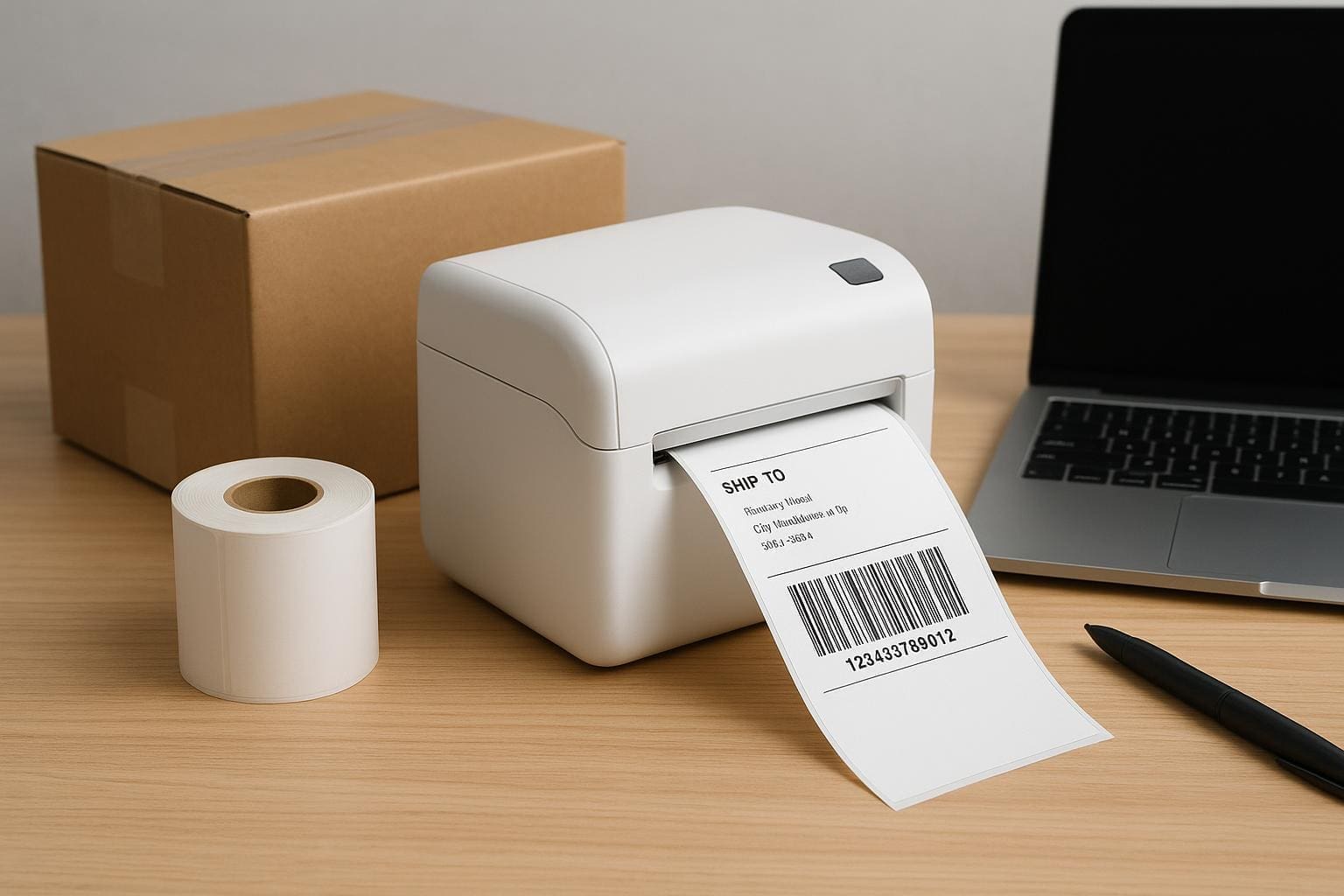
If you ship packages regularly, the right gear changes everything. The best label printer for small business shipping isn’t the fanciest machine on the block; it’s the one that matches your volume, software, and budget while staying reliable. You want crisp barcodes, sticky labels that don’t peel mid-transit, and a workflow that doesn’t slow you down.
### Picking The Right Printing Technology
There are two main thermal technologies: direct thermal and thermal transfer. Direct thermal printers darken paper with heat. They’re simple, fast, and cheap to run because you don’t need ink or ribbons. They work perfectly for most shipping labels that get scanned within a few months. But they fade if exposed to sunlight or heat for long periods.
Thermal transfer uses a ribbon to transfer ink onto the label. It’s slightly more expensive per label but makes tough, durable labels for long-term storage, outdoor use, or packages that might sit in a hot truck. If you print specialized labels—like vinyl or polyester—you’ll want thermal transfer.
A laser or inkjet can print shipping labels, but they’re slower, require consumables, and often need label sheets that jam. For volume and reliability, go with a thermal model.
### How Much Volume Do You Expect?
Match printer class to daily throughput:
– Occasional (under 50 labels/day): Compact desktop thermal units like Dymo or Brother models work fine. They’re inexpensive and easy to set up.
– Moderate (50–200 labels/day): A 4-inch direct thermal desktop with better cooling and an ethernet option is a pragmatic choice.
– High (200+ labels/day): Industrial or heavy-duty desktop printers from Zebra or TSC. Look for fast print speeds and easy media handling.
Think about peak days. A single busy morning of 300 labels will kill a small unit. Plan for 20–30% headroom.
### Connectivity And Software Compatibility
If you’re printing from shipping platforms—Shopify, ShipStation, Shippo, Etsy, Amazon—you’ll want a printer that plays nicely. USB-only models are fine at a single workstation. If multiple people need access, pick Ethernet or Wi‑Fi. Bluetooth works for mobile packing stations but can be finicky with older phones.
Drivers and integration matter. Zebra, Brother, and Rollo have solid credential histories with third-party shipping software. Lower-cost options can require a workaround like printing to PDF then sending to the printer. That’s tolerable if you only do a few labels, annoying at volume.
### Size, Label Width, And Label Types
Most shipping carriers accept 4×6 labels. That’s the de facto standard for parcel printers, so prioritize 4-inch-wide capability. Smaller wallets and address labels are fine for receipts, but the 4×6 format keeps barcodes readable and layouts consistent.
If you print customs or fragile notices, check whether your label printer supports fanfold or roll labels, perforations, and die-cut sizes. The wrong size leads to wasted labels or clipped tracking numbers.
### Print Quality, Speed, And Cost Per Label
DPI matters for tiny barcode clarity. For shipping labels, 203 dpi is usually enough. If you also print detailed barcodes or small text, 300 dpi helps. Speed is measured in inches per second. A 4 ips (inches per second) printer handles basic needs, while 6–8 ips is better for busier shops.
Cost per label is mostly paper and, if applicable, ribbons. For direct thermal, compare roll lengths and core sizes. Some cheaper printers force proprietary labels that cost more. That alone can change your total cost of ownership in six months.
### Top Picks For Typical Use Cases
Here are a few real-world options that tend to perform well in small business shipping operations:
– Dymo LabelWriter 4XL: Cheap and compact. Good for occasional shipping and small shops. Limited to direct thermal and sometimes finicky with non-Dymo rolls.
– Rollo 4-Inch Commercial Printer: Affordable, works with many shipping platforms, accepts generic labels, and prints fast enough for small-to-medium volumes.
– Brother QL-1100: Reliable, supports 4-inch widths, and integrates smoothly with Windows and Mac drivers.
– Zebra GK420d / ZD420: Built for higher volume. Durable, accurate barcodes, and excellent network options. A better fit if you expect to scale.
These aren’t exhaustive, but they illustrate the trade-offs: price, compatibility, and robustness.
### Practical Setup Tips To Avoid Headaches
Get the right label stock first. Generic rolls are fine, but check the roll diameter and inner core size. Some printers need 1-inch cores; others use 0.5-inch. If you change suppliers, confirm the adhesive and paper type—water-based glues are cheaper but don’t hold up on some surfaces.
Label orientation and margins matter. Set up templates in your shipping software before running a batch. Test with five labels to confirm alignment. Clean the printhead with isopropyl alcohol every few rolls to avoid streaks. If you use direct thermal, avoid storing rolls in sunlight; they’re heat-sensitive and can darken.
### Workflow And Packing Station Setup
A label printer is only part of the system. Place the printer next to your scale and packing tape, not across the room. Use a label dispenser or a peel-off model if you have one person applying labels all day. A small stand or shelf keeps rolls tidy and prevents dust from entering the printer.
If your team prints from different devices, put the printer on ethernet or a shared Wi‑Fi network and use a consistent hostname. For multiple printers, name them by station—“Shipping‑Station‑1”—so staff pick the right device in the software.
### When You Need Durability Or Specialty Labels
If your shipments go to construction sites, plants, or overseas storage, consider thermal transfer with polyester labels and resin ribbons. These survive abrasion, chemicals, and sunlight. Also use specialty adhesives when labels need to stick to rough or curved surfaces. That’s outside what the cheapest direct-thermal machines can reliably deliver.
#### Maintenance And Troubleshooting
Cleaning is simple: power down, gently wipe the printhead, and remove dust from rollers. Avoid abrasive cleaners. Replace worn rollers and checked gears if you notice slippage. When barcodes fail to scan, first check DPI, then label contrast. If printing fades, confirm you’re using the correct label type for direct thermal printers.
If drivers act up after an OS update, check the manufacturer website for new versions. Legacy models may need community drivers or a small middleware tool to talk to modern shipping platforms. It’s irritating but often solvable without buying new hardware.
### Budgeting And Total Cost Considerations
Buy the cheapest printer you can that still meets your needs. But don’t skimp on reliability. A $100 printer might be fine for a side hustle. For a growing storefront, a $300–$600 model often saves headaches and labor time. Factor in labels, ribbons, cores, and spare parts. A single misprinted batch can eat the savings from a cheap model.
The best label printer for small business shipping balances cost, speed, and durability. Match your choice to the real work you do every day, and plan for slightly more capacity than you think you need so you don’t outgrow the unit in six months. Also, remember to keep a spare core and a small supply of labels or you’ll be stuck on a shipping day waiting for a delivery that could have been prevented with one extra roll that was mispelled in the order list.