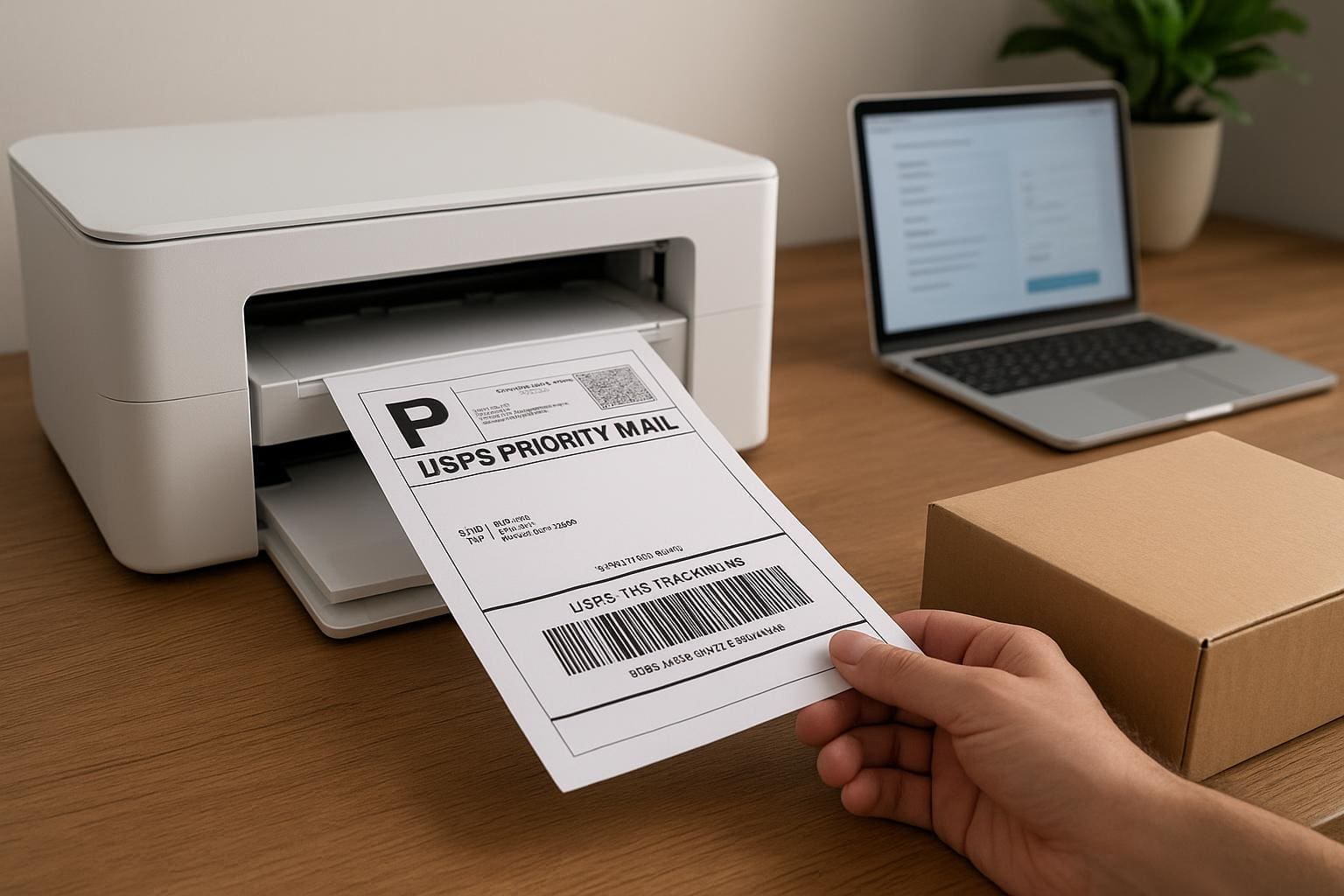
You can stop paying full retail at the post office. Print your own postage, and the numbers quickly add up.
## How To Print USPS Shipping Labels At Home Fast
Printing labels at home is simple once you sort the basics: which service to use, what printer works, and how to save on postage. If you want to know how to print usps shipping labels at home without guessing, the fastest route is picking a platform that gives discounted rates and a printable PDF. Do that and you avoid the counter, save on supplies, and control shipment details from your desk.
### Choose The Right Platform
Start by deciding where you’ll buy postage. You’ve got a few sensible choices:
– USPS Click-N-Ship on USPS.com — straightforward, no third-party fees, great for individuals who ship occasionally.
– Pirate Ship — free account, commercial rates, and no monthly fees. This is where most small businesses shave a lot off postage.
– PayPal, eBay, and ShipStation — good if you already use those services; they’ll integrate with orders.
If your priority is low postage, use Pirate Ship or another service that advertises commercial base pricing. For someone wondering how to print usps shipping labels at home while keeping costs down, commercial rates are the single biggest lever. Also check whether the platform provides a pickup option — that saves you a trip.
### Understand Costs And Service Options
Don’t assume flat-rate boxes are always cheaper. Compare regional rates, Priority Mail Cubic, and First-Class Package Service for light shipments. In many cases, using the right service reduces postage more than any printer choice will. When you buy postage online you can add insurance, signature confirmation, and additional services while still saving over buying at the counter.
## Printer Choices And Supplies For Home Printing
Your printer matters more than most people think.
### Pick The Best Printer For The Job
Thermal label printers (like Dymo or Brother QL series) are fast, cheap per label, and built for continuous shipping. They remove the need for label sheets or tape. The tradeoff: an upfront cost and occasional label roll replacements.
Inkjet or laser printers work fine too. If you use standard 8.5×11 paper, print four labels per page and cut them with a paper trimmer or scissors. For a cleaner workflow, buy 4×6 adhesive label sheets that peel and stick. They fit many thermal printers and some inkjets with proper sheets.
For small volume sellers, a cheap thermal label printer pays for itself within a few months. For occasional shippers, printing on regular paper and taping is OK as long as the barcode prints clearly.
#### Label Sizes And Paper Types
Use 4×6 labels for thermal printers; they’re standard for shipping. For inkjet/laser, 8.5×11 sheets with four labels per page or full-page adhesive labels work. Avoid glossy or coated paper that can jam printers or smear ink. If you ever wonder why a carrier can’t scan your package, check the barcode contrast and placement before sealing the box.
### How To Print Securely And Accurately
Make sure your printer settings are set to “Actual Size” or 100% scaling. Let the PDF drive the layout. Don’t use “Fit to Page” — it can distort barcodes and cause a scan failure. If your platform offers a checkbox for thermal vs. PDF, choose PDF for inkjet and direct thermal for label printers.
## Step-By-Step: Print A Label In Under Five Minutes
1. Create an account with your chosen service and enter your sender information once.
2. Fill recipient address and package details. Weigh your package on a kitchen scale for accuracy.
3. Choose service level and add insurance if needed. Compare prices—sometimes Priority is only a dollar more than First-Class for size.
4. Pay and click “Print Label.” Open the PDF and hit print with scale set to 100%. Peel and stick or trim and tape the label to your box.
If you’re experimenting with how to print usps shipping labels at home, try one package first. Watch the barcode after it prints. If it’s faint, increase print density or switch paper.
### Avoiding Common Mistakes
People often pick the wrong weight or package type and then get reassessed at the facility. Weigh accurately and use measured dimensions when selecting package size. Don’t cover barcodes with tape that wrinkles — it can block scans. If you need a reciept, print or save the confirmation email; some services also offer batch reports for bookkeeping.
## Save Money Beyond Postage
Printing at home is only the start. Consider these practical ways to reduce total shipping spend.
### Smart Packaging Choices
Use lighter boxes and trim excess filler. Reuse boxes when they’re still sturdy; carriers don’t care if the box is reused. For small, heavy items, compare Priority Mail Cubic pricing. For lightweight but bulky items, First-Class might be cheaper.
### Bundle And Automate
If you ship several items per day, set up batch label printing. Most platforms let you upload a CSV to create dozens of labels. That’s an immediate time saver and reduces mistakes. If you sell on marketplaces, integrate order imports to avoid retyping addresses and to speed up the usps label printing process.
### Pickup And Drop-Off Hacks
Schedule free pickup for regular shipments. If you can’t do pickup, drop off at a blue collection box for small packages or use self-service kiosks at USPS locations. Avoid peak hours at the counter; you’ll save time and patience.
### Documenting And Tracking
Save PDFs of your labels for accounting and returns. If a scan is missing, a saved label helps resolve disputes. For small businesses, keeping a spreadsheet of tracking numbers, weights, and service choices helps you spot trends in shipping costs.
## Final Practical Tips Before You Print
Set up defaults for sender address, package type, and signature options so you don’t click the wrong extra service. Keep a small label stock on hand and a paper trimmer near your workspace. Test a few labels at different printers to make sure barcodes scan reliably. There’s a lot of low-hanging fruit when you learn how to print usps shipping labels at home and pair that with smarter packaging decisions.