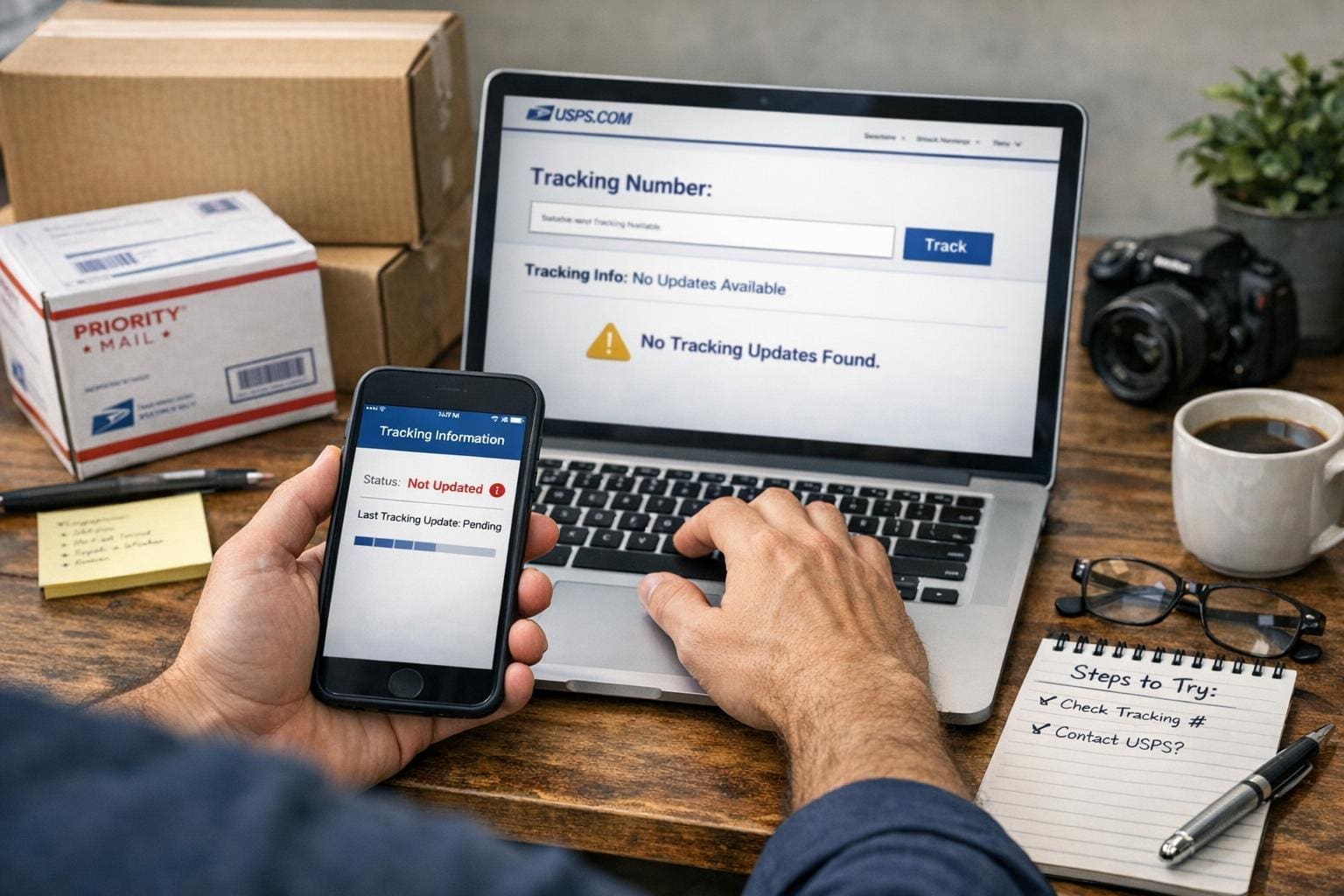
If a tracking page freezes and the delivery date slides further away, you can fix a lot of the problem yourself. Most of the time the issue isn’t a lost package; it’s a missing scan, a slow update, or a label that was created but never attached. Below are clear, practical steps to get information moving again — and what to do if those steps don’t help.
## How To Fix USPS Tracking Not Updating Quickly
Start here. If you search for how to fix usps tracking not updating, you’ll find a handful of common, repeatable actions that solve 80% of cases. Use them in order.
### Check The Tracking Number And Source
– Verify the number. Typing errors are surprisingly common. Copy the number from the seller’s email or the label and paste it into USPS tracking.
– Confirm you’re using the right carrier. Some sellers list multiple carriers; a “USPS” label might have actually been handed to UPS or a local courier.
– If the seller emailed a link, open that link rather than retyping the number.
### Wait A Short Window Before Worrying
The system often lags. If the label was created but the package hadn’t entered the mail stream, updates can take 8–24 hours. If the shipment is international, allow several days for the first inbound scan.
### Check For The “Label Created” Status
If the page reads “Label Created, USPS Awaiting Item,” the carrier hasn’t actually scanned the package yet. The fix here is simple: contact the seller and ask whether the item has physically been handed to the post office. Sellers can provide proof of drop-off or arrange a reshipment.
### Refresh With Another Device Or Network
Sometimes the tracker in your browser is caching an old page. Open the tracking number on your phone with mobile data, or use a different browser. This is basic, but it works more often than you’d expect.
### Use The Mobile App And Text Alerts
The USPS app sometimes pulls different data than the website. Turn on text or email notifications. If you’ve ever set up continuous alerts, they can show you when a new scan arrives before the site fully updates.
## Common Reasons Tracking Stops Updating
If the steps above don’t free things up, match your situation to one of these causes. Identifying the root makes the next step obvious.
### Label Created But Package Not Scanned
A seller prints a label and doesn’t actually drop the parcel off. That looks like delivery activity but won’t produce further scans. If you’re the buyer, ask the seller for a drop-off receipt or new tracking.
### Missed Scans At Sorting Facilities
Packages move physically but miss a scan due to operator overload or machine error. The item moves and then three scans later shows up at your local facility. That gap is frustrating but usually temporary.
### Human Error Or Incorrect Address
If the address is wrong, the package may be returned to sender or held for correction. Check the address on your order confirmation. If it’s wrong, contact the seller immediately.
### Delays Due To Weather Or Volume
Holidays and storms slow everything. Packages pile up and scanners aren’t the priority. The package still moves; updates come once staff catch up.
## How To Fix USPS Tracking Not Updating: Practical Steps For Each Cause
Below are targeted fixes for the specific scenarios above.
### If The Label Was Created But Not Dropped Off
1. Message the seller asking when the package was dropped off. Request a drop-off receipt or proof.
2. If the seller admits they haven’t shipped, ask for a full refund or immediate reshipment.
3. If the seller insists it was dropped, ask them to file a missing mail request with USPS; they can do that from their end.
### If Scans Were Missed In Transit
1. Give it 48 hours. Often the next facility will retroactively upload scans.
2. Check the estimated delivery date rather than the last scan time. If the date hasn’t passed, wait.
3. If the date passes and no update, file a missing mail search on the USPS site. Include photos and purchase records when applicable.
### If The Address Is Wrong
1. Contact the seller immediately. The faster you act, the more likely USPS can intercept or correct.
2. If the sender agrees, they can request an address correction through USPS. There’s a chance the package gets redirected without returning to sender.
3. Keep evidence of the correct address and the mistake. That helps claim disputes.
### If Weather Or Volume Is The Problem
1. Track the local facility’s status on social media or news. If your area had a storm, expect delays.
2. If the package is time-sensitive, call the seller to arrange a replacement or refund. Don’t wait for an indefinite scan update.
## Using USPS Tools And External Options
USPS provides tools designed for problems like this. Use them before escalating.
### File A Missing Mail Search
You can submit a Missing Mail Search online. Be specific: include expected delivery dates, item description, photos of packaging or receipts, and the tracking number. This alerts USPS to look through facilities in a more manual way.
### Request Delivery Instructions Or Intercept
If the package still shows activity and is eligible, you can request delivery instructions or file a Package Intercept. There’s a fee and strict eligibility rules, but it can reroute a parcel before it’s delivered to the wrong address.
### Use Third-Party Trackers
Services like 17track or AfterShip sometimes pick up different feed data. They’re not magic, but they might display a scan that USPS’s public page hasn’t shown yet.
## When To Contact USPS Directly
Contact USPS when 48–72 hours pass with no scans and the expected delivery date has passed. Or sooner if the item is high value.
### How To Contact For Best Results
– Call customer service and have your tracking number, order receipt, and sender/recipient details ready.
– If you prefer in-person, visit your local post office with the tracking number and a printed label or order confirmation. Ask the clerk to check the physical sort or to confirm whether the package is in the facility.
– Use the USPS online form to open a case. Use attachments. A photo of the label, the order, and any receipts helps.
### What To Expect From USPS
They will open an inquiry and often respond within a few business days. For some regional facilities, response times can stretch longer. If the item is insured and lost, follow their claim process; that requires proof of value and purchase.
## Seller And Buyer Responsibilities
These problems usually fall into two camps: seller-side or transit-side. Sellers are responsible for actually handing over the package and providing proof. Buyers should verify addresses and follow up quickly if scans stall.
### Sellers Should
– Confirm drop-off with a receipt.
– Reprint labels only when necessary.
– File missing mail requests if the package doesn’t show movement.
### Buyers Should
– Check the tracking link right away.
– Contact sellers immediately if status seems stuck.
– Keep records of communication and receipts for claims.
## Preventing Tracking Issues Going Forward
Fixing one frozen tracking number is satisfying, but prevention is better.
### Ask For Proof Of Drop-Off
If you’re buying something valuable, ask the seller to show a drop-off receipt or to use delivery confirmation. Sellers who ship frequently will have no problem with this.
### Use Carrier Pickup Or Hand-Delivery
When sellers schedule a USPS pickup or hand-deliver at a counter, there’s a scan at acceptance. That reduces “label created” problems.
### Choose Tracking With Insurance For High-Value Items
Insurance requires documentation if something is lost. It also forces a more thorough investigation when tracking gaps occur.
## Quick Troubleshooting Checklist
If you need a fast run-through, here’s what to do in order:
1. Verify tracking number and carrier.
2. Check for “Label Created” status.
3. Refresh on another device or app.
4. Wait up to 48 hours for missed scans.
5. Contact the seller to confirm drop-off or correct address.
6. File a Missing Mail Search with USPS if the date passes.
7. Call or visit your local post office if you need immediate help.
A single mis-scan can feel like a disaster, but most problems are solvable with a few calls and one or two forms. If you need help with the exact wording to send a seller or the USPS when filing a search, I can draft a message you can copy and paste. Just tell me what you’ve tried and what the current status says — I can work from there.